Project Command
Every job on one board that moves itself from what the field reports — checkpoints, photos, daily logs, hold-ups, inspections and weather — with stages that wait for what they need, the newest plans on every crew phone, and the money and the paperwork living on the job.
The operating system built exclusively for post-frame and barndominium builders.
Instead of: A whiteboard, a shared calendar, a photo app, a separate invoicing tool, an inspection date on a sticky note, last month's plans in the framers' truck, and a folder structure only one person understands.
The job is in six places
The schedule is on a whiteboard, the photos are on the foreman's phone, the change order is in an email, the invoice is in the accounting software, and what the crew is actually owed is in someone's head. Nothing is wrong with any one of them. What is wrong is that no one can see the job. The operating system built exclusively for post-frame and barndominium builders puts it back in one place.
Six tools that each know a sixth of the job add up to nobody knowing the job.
Every job, one board
Jobs sit on a schedule you can see across — who is on what, what is running late, what is about to start. Drag to move it and the dates move with it. The owner sees the whole season in one look and stops carrying it around in his head.
A whiteboard shows where the jobs were when somebody last wiped it.
A stage waits for what it needs — the slab, the PO, the inspection
Framing waits on concrete, plus two working days for the slab to cure; move or lengthen the concrete and framing moves with it. A stage can also stay locked until its purchase order is sent, or until an inspection has passed — and on the schedule it wears a padlock that says what it's waiting on. An admin can start it anyway by writing why, and the note stays on the stage with his name. Nobody sends a crew to a job that isn't ready, and nobody has to carry the order of things in his head.
A schedule where nothing depends on anything lets the framers turn up before the slab has cured.
The crew runs its day from one link
No app to install, no password. The crew opens its link and Today has the day on it: Ridgeline Post Frame, Ray Wenger's 40×60 shop, on site at 6:50, the framing stage — and three big buttons, Clock In, Add Photo and Blocked. Along the bottom, five doors — job chats, two unread; photos; today; the crew; and his hours, where each man sees his week with approved and waiting kept apart. At the end of the day the crew lead taps Today's log and says what got done; the weather, who clocked in and today's photos are already filled in, and the office reads it on the job without a phone call. A crew that can see its own hours and progress trusts the numbers, and takes pride in the week.
Hours on scraps of paper and photos stuck on a foreman's phone reach the office on Friday, if they reach it at all.
Stages carry their own checklists
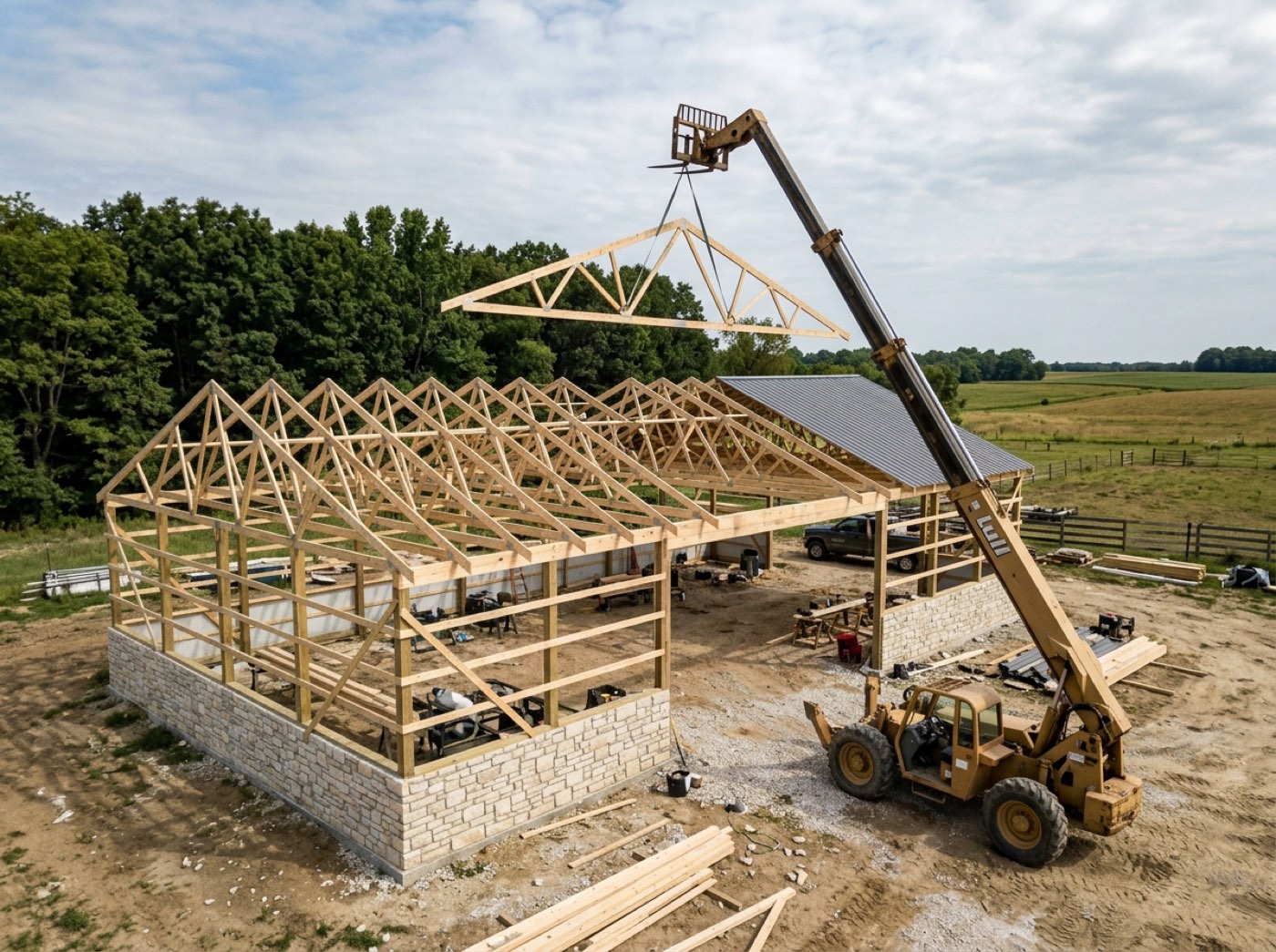
Each stage carries the checkpoints that have to be true before it can close — post set, girts done, trusses up — and the ones that matter want a photo. When the last one is ticked, the stage closes and the board moves on its own. Nobody drags cards around to keep it honest, and the crew gets the satisfaction of closing the stage themselves.
A stage marked done because somebody said so is a stage you find out about at the final walkthrough.
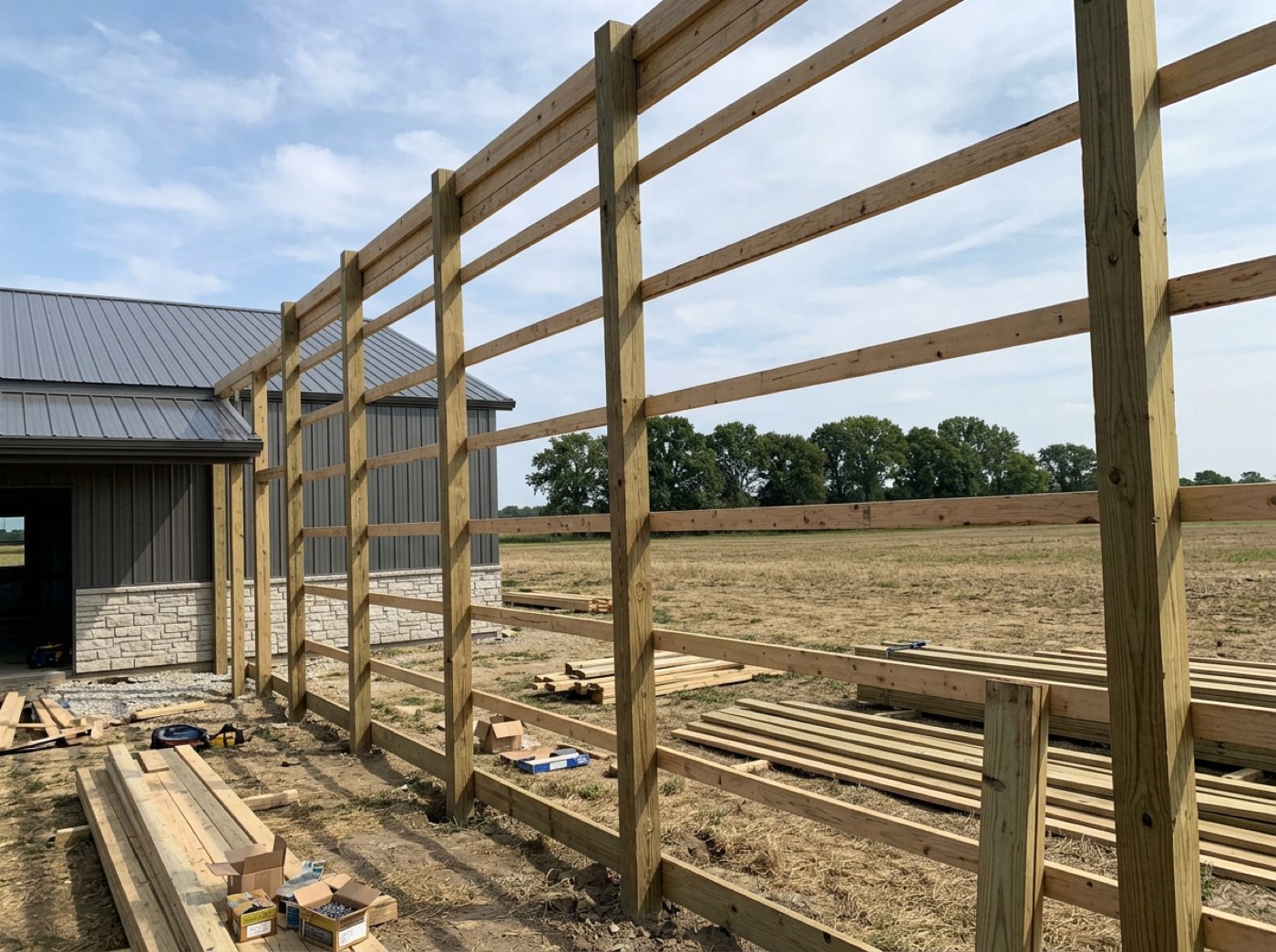
Permits and inspections live on the job, tied to the stage they sign off
Each job keeps its permits — the number, the fee, the status and the permit itself — and the inspections they need, each tied to the stage it signs off. A booked inspection sits on that stage's bar on its day. A failed one puts a red flag on the stage and hands the project manager a task to book the reinspection; the pass clears it, and every visit stays in the inspection's history. Nobody loses an inspection date, and nobody finds out on site that the framing never passed.
An inspection date on a sticky note is how a crew stands around waiting for an inspector nobody booked.
The crew only ever sees the newest plan
Upload a new version of a plan with why it changed, and the old one is kept, marked Superseded — open it and the word is printed across the drawing, with the revision that replaced it named. The crew's link only ever shows the current revision, and a revision can ask the crew lead to confirm it: he taps I've seen it, and the plan says who saw it and when. When the job is done, the set is marked As-Built. Nobody frames off last month's truss plan, and when somebody asks which version the crew had, the answer is on the plan.
A revised plan emailed to the foreman is a revised plan the framers never saw.
Every photo files itself to the job and the stage
A photo taken from the crew's link files itself: the job from the shift he's clocked into, the stage the job is on, who took it and when. So when you open a job in the gallery, four hundred photos are six lines. The Hutchins 60×80 shop: 412 photos — dirt work 38, concrete 74, framing 126, siding and roofing 150 — each stage with the dates it ran. Open one stage, or every stage at once. Nobody sorts photos on a Sunday, and the right photo is there when a customer asks.
Photos across six phones and a group chat are worth nothing on the day you need one.
Circle the problem on the photo itself
Open a photo and mark it up: draw, drop numbered arrows on what matters, add text, in red, yellow, white or green, as thick as you need. On the trusses-set photo it's arrow 1, arrow 2, a ring round the truss on the lift and one note — strap truss 7 before steel — and the note can be spoken instead of typed with gloves on. The markup sits on top; the photo underneath is never changed, so the original is always there. Tag whoever needs to see it — someone in the office or on the crew — and they get a notification and a task with the photo. One marked-up photo says what a paragraph can't, and the crew lead who spotted it is understood the first time.
“See the crease near the top?” in a text is a conversation. An arrow on the photo is an answer.
A hold-up is written down with its cause and the days it cost
From the roof, the crew taps Blocked and picks a reason, and the office knows that minute. In the office, a delay is logged against the stage with its cause — weather, crew no-show, material, equipment, permit, site access, scope change — the days and hours it cost, and the photos that prove it: two days and four hours on the Hostetler shed's post set, after two inches of rain overnight. Your promised dates stay put, so a slip shows instead of being quietly swallowed. Crews like being able to say “it wasn't us” with proof.
Hold-ups remembered at the end of a job all sound like the weather. Written down as they happen, they show what really costs you days.
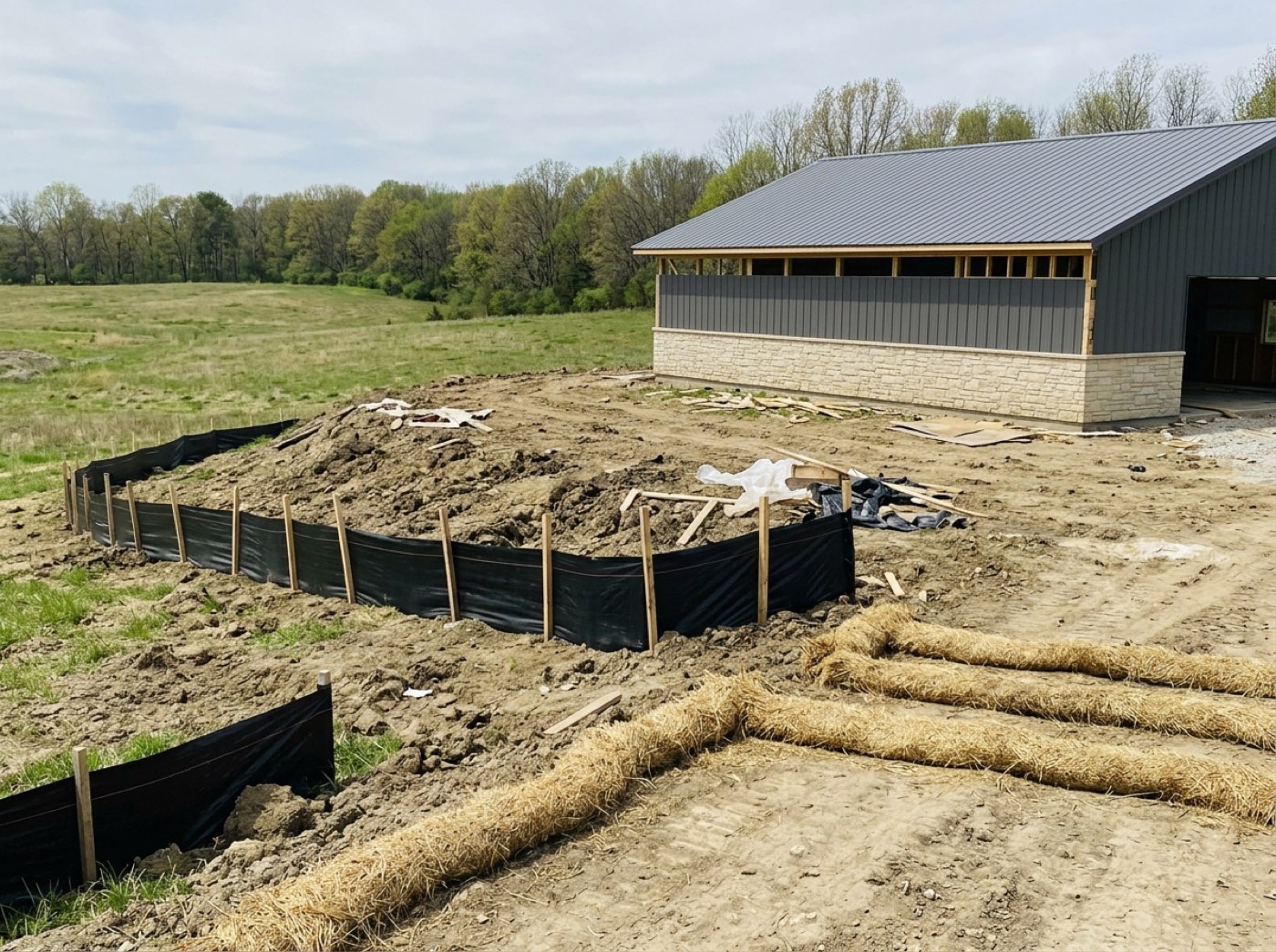
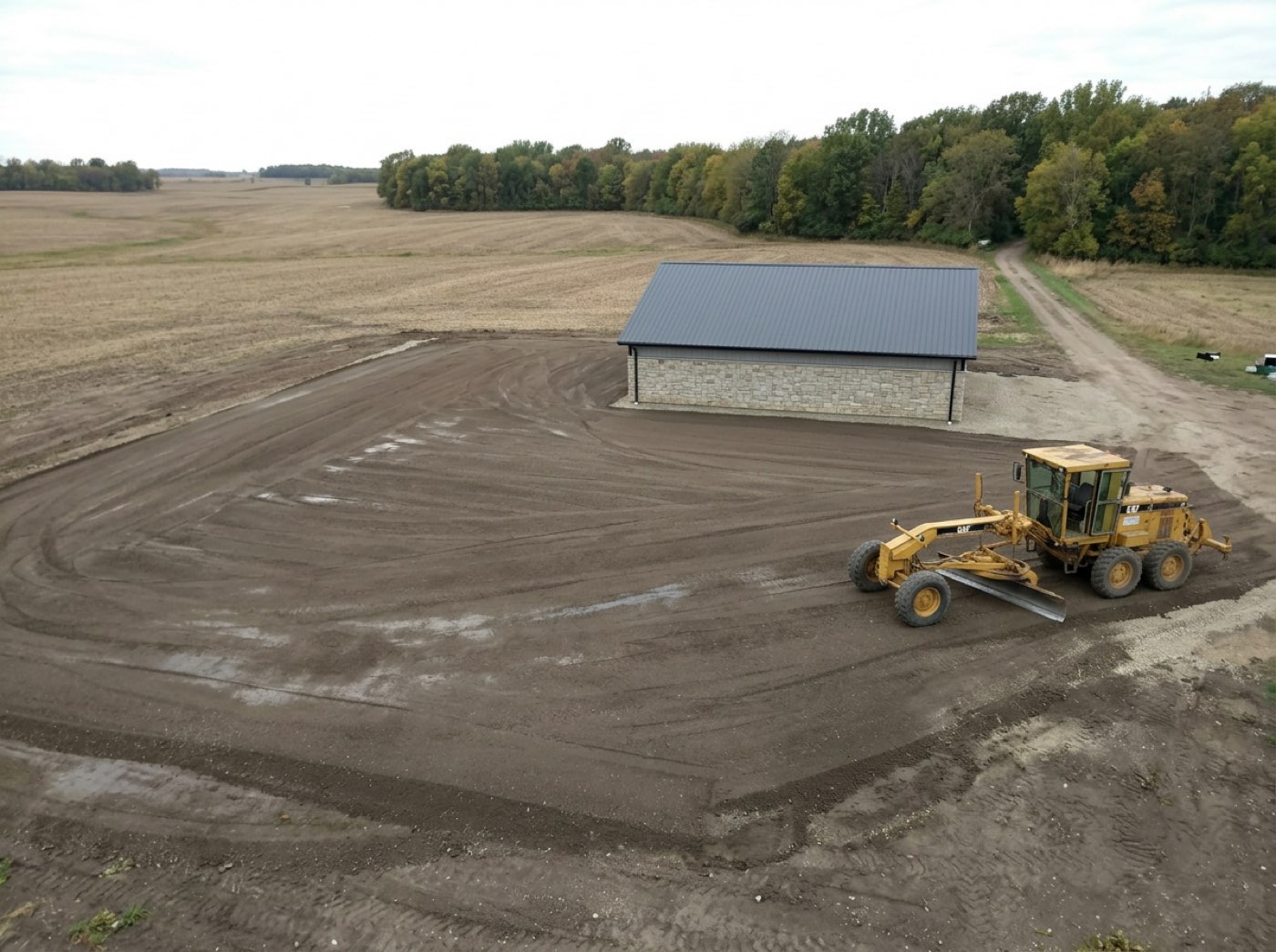
Every job gets its own forecast, read for the trade
Each job site gets its own weather, read the way a crew needs it. Gusts of 21 mph at the Scherer pole barn means hold the sheets; 29 mph at the Nolt horse barn means the sheets will fly. The crew sees it on their phone in the morning, and the history stays with the job for the day someone asks why a stage ran long. Nobody drives an hour to a site they can't work.
One forecast for the office's town tells you nothing about a roof sixty miles away.
The money lives on the job too
Open a project and the invoices, the change orders, the contract, the plans and what the crew is owed are all there, on the thing they belong to, instead of in four systems that each know a quarter of the story. Your PM answers the customer's question while he's still on the phone.
Four systems that each know a quarter of the story never add up to the job.
It tells you when the plan and reality part company
A stage that has run past its planned duration, a schedule that has drifted out of sequence, a crew that is costing more per day than the ladder says it should — you find out while you can still do something about it. That's what control feels like for an owner: hearing it early, not at the final invoice.
Finding out a stage ran long from the final invoice is finding out when it's too late to matter.
Run one of your builds
from one board.
Every job on one board that moves itself from what the field reports — checkpoints, photos, daily logs, hold-ups, inspections and weather — with stages that wait for what they need, the newest plans on every crew phone, and the money and the paperwork living on the job. Thirty minutes with Keith, on one of your real structures — and the link we build is yours to keep whether or not you go any further.
 Leads2BuildBUILDER OPERATING SYSTEM
 Leads2BuildBUILDER OPERATING SYSTEM