An @ Tag button in the crew's photo mark-up and a Tag someone row on the Blocked screen. He picks names from the team — his crew, the office, the other crews — one tap each, no typing. Someone who signs in gets a task on their list (high priority for a hold-up, medium for a photo) and a bell notification that opens the job; someone with only a crew link sees it under Tagged you on their Today screen until they tap Got it. The task carries the job, who sent it and the note, and sits on the job's own task list too — a record of who was told. We don't build software for plumbers or remodelers — only for builders like you — so the thing being tagged is a truss strap, a footing collar, a failed framing inspection.
Also called: @mention on a photo · tag someone on a blocked report · send a photo to the PM · tag a teammate · field tag · photo tag
Shoot it, then tap the picture
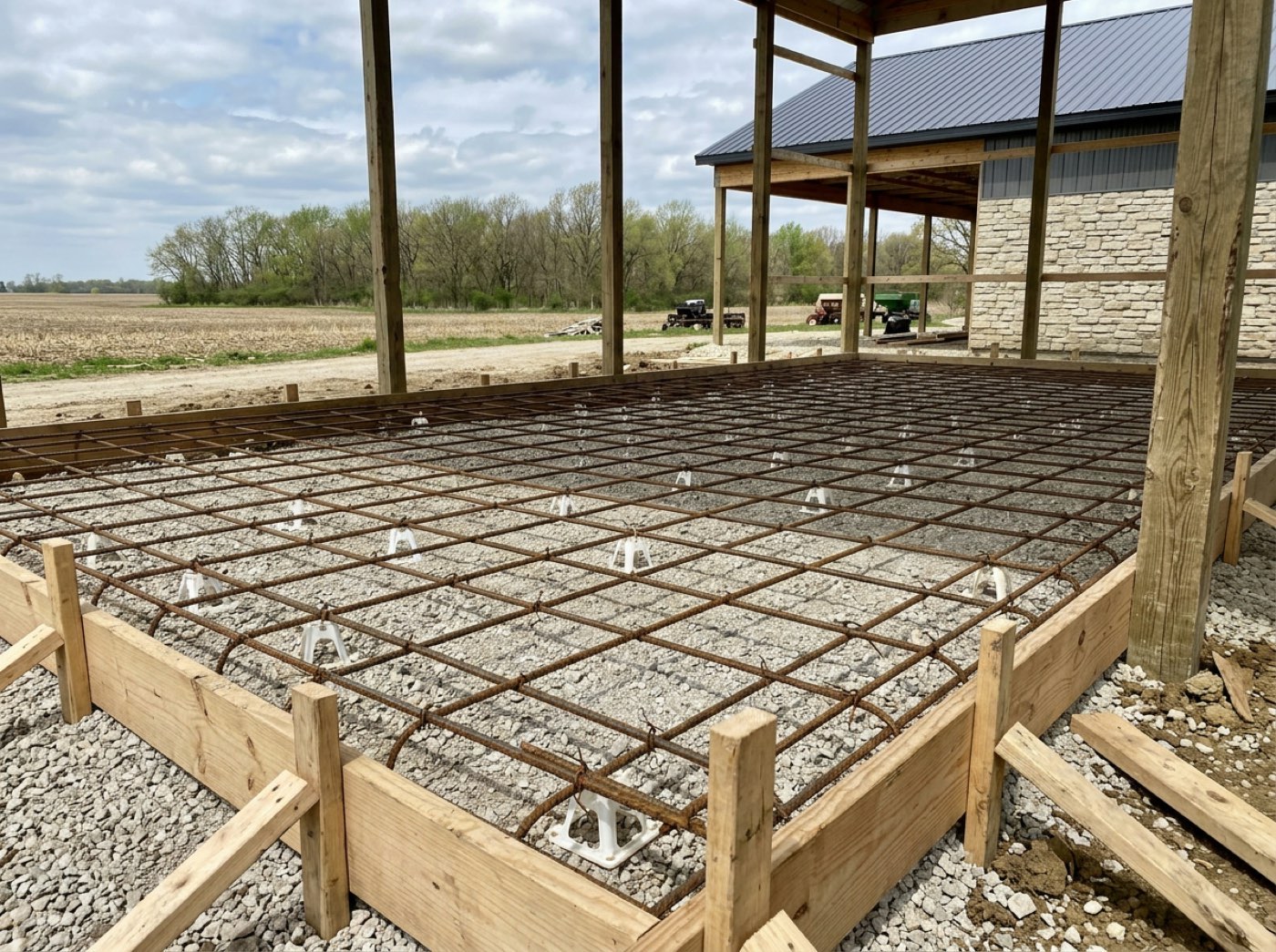
The crew camera stays open on the stage he's on. After a shot, the thumbnail in the bottom corner says Mark up — tap it and the picture opens to be drawn on, written on and tagged. Nate is on Dawson Hoover's Concrete stage, filing a photo of the north-east footing corner under Other photo.
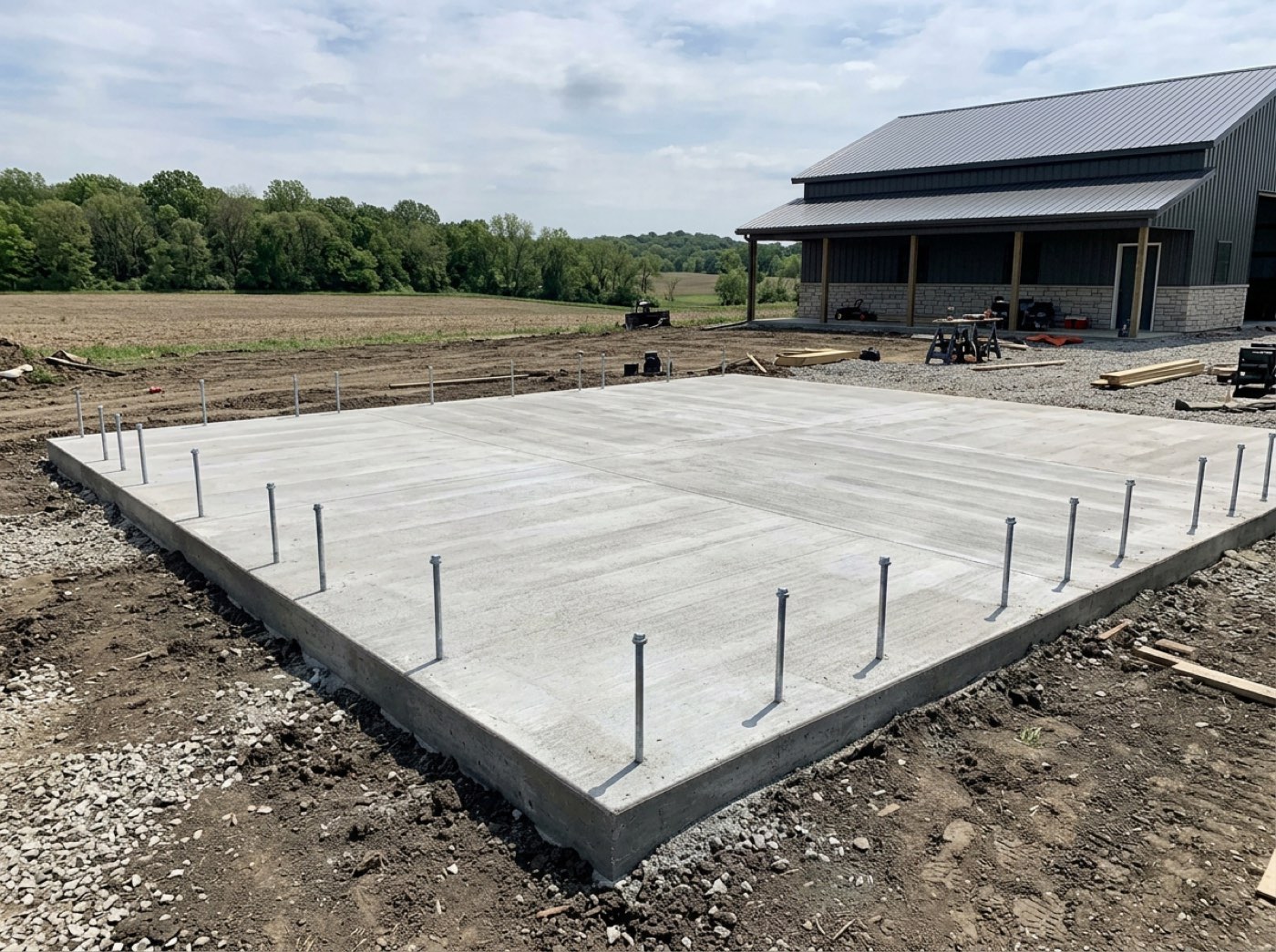
A photo of a problem with no note and no name on it is just another picture in the folder.
The man who spotted it shouldn't need a second app to tell someone — the tag starts on the photo he just took, so it gets done instead of 'I'll text him later'.
@ Tag sits with the marker tools
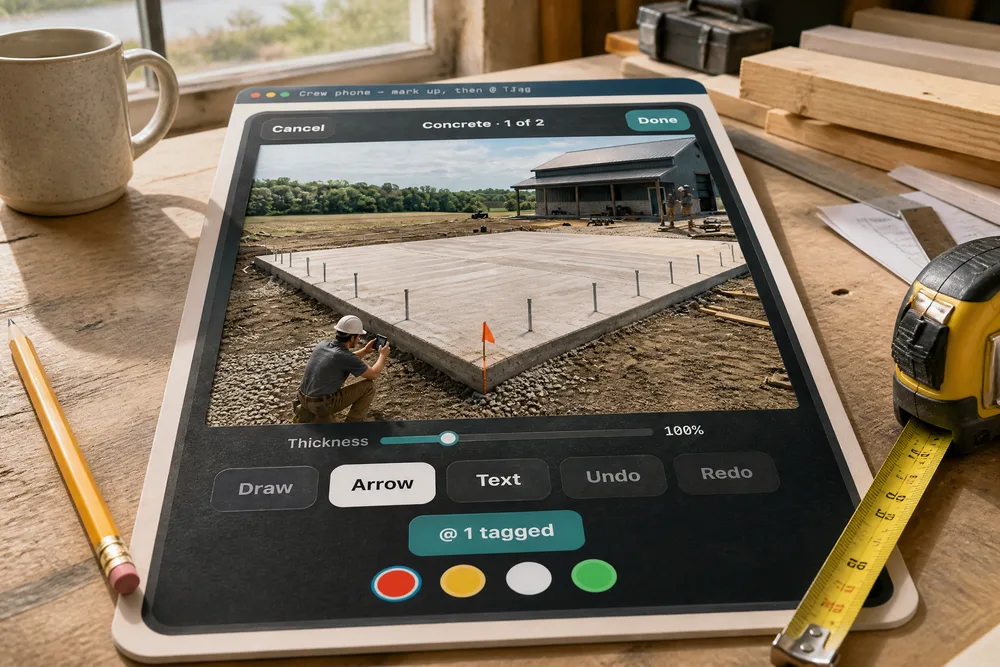
Try itOn the crew link, the mark-up has a row under Draw · Arrow · Text · Undo · Redo: @ Tag. Nate circles the corner, draws an arrow, writes Chip off the NE collar and taps @ Tag. The button turns teal and reads @ 1 tagged. Each photo in a walk-round keeps its own tags until Done, and they travel with the photo — with no signal, both wait on the phone and send together.
Texting a photo to the PM separately means it lands in a thread with no job on it.
Pointing at the problem and naming who should look happen in the same breath, so nothing gets lost between noticing it and telling someone. For you, the photo, the note and the person asked are one record on the job.
Who needs to see this? One tap per name, no typing
Try it@ Tag opens the team: Your crew, Office & managers, Other crews — each name with its role, one big row each. Nate ticks Curtis Vance · Project Manager and taps Done · 1 tagged. It's the whole active team except himself, up to twelve people per tag, and anyone the phone names who isn't on the team is dropped.
A search box on a phone, in gloves, is where tagging goes to die.
A crew's team fits on one screen, so scrolling a short list beats typing a name — which means the tag actually gets made. Grouping it the way a crew thinks — my guys, the office, the other crews — gets him to the right person first try.
Tag someone on Blocked — the reason is still one tap
Try itOn Blocked, a dashed row above the reasons says @ Tag someone · optional. On Wednesday the framing inspection failed, so Nate tags Curtis — the row turns green, Tagged: Curtis — and taps Permit / inspection. The report goes through the usual routing to the office, and onto Curtis's own list as well.
Blocked tells the office, but the office isn't always the one who can fix it — the PM who books inspections may be on another site.
Putting it in front of the one person who can act saves the hours a crew stands around waiting. It's optional and above the reasons, so a man in a hurry still reports in one tap.
He's told it landed — and how many were tagged
Back on Today the green line reads The office has been told · 1 tagged. It only says the office was told when someone actually was; otherwise it says Reported.
A crew that reports a problem and hears nothing assumes nobody read it — and stops reporting.
Being told it landed is what makes a man report the next one. An honest confirmation keeps the warnings coming while they're still cheap to fix.
Office people get a task — it stays until it's done
Someone who signs in gets a task, on Home and wherever their tasks show: Nate Ottinger tagged you on a photo: Photo · Concrete, with the note and a link to the photo, marked auto and filed under Project Mgmt on the job. A tag on a hold-up comes in at high priority; a photo at medium.
A notification is read and forgotten; a problem needs to sit somewhere until someone deals with it.
A PM can't hold every crew's problems in his head — the list holds them for him. The tag can't scroll away, so the footing gets looked at before it's buried.
…and a bell that opens the job
At the same moment the bell shows Task assigned to you — Nate Ottinger tagged you on a photo — with the photo's title and the note, and Open the job. Yesterday's Blocked tag sits under it.
A task you don't know about is a task you find on Friday.
The bell says it arrived; the task makes sure it gets done. Curtis hears about it within the hour, while the crew is still on site to answer a question.
Open it, go to the job, mark it done
Try itThe task window has what he needs to answer: Go to Dawson Hoover — Commercial Shop, the note — Check this footing corner — a chip off the NE collar. OK to bury, or patch first? — the photo link, and ✓ Mark done at the bottom. There's no due date until Curtis gives it one.
Answering a crew's question means finding the job, the photo and the man — three places, three searches.
The PM gets a straight question with the picture attached, so he can answer in a minute. That's how a tag turns into a decision before the backfill truck shows up.
The job keeps a record of who was told
Because a tag task is about the job, it also shows on the job's own Tasks card in the project window, each one saying who it's for. With Show done on, Wednesday's Blocked tag is there at high, ticked off once Curtis booked the reinspection, under the open footing photo.
When a problem comes back a week later, 'I told someone' is the only record — and it isn't one.
A crew that can show it raised the problem is a crew that isn't blamed for it. Anyone opening the job sees who was asked to look at what — and whether they did.
Crew with no login see it at the top of Today until Got it
Try itA tagged crew member has no task list — so the tag waits at the top of his Today screen: Tagged you · 1, the photo, From Nate Ottinger · Dawson Hoover — Commercial Shop, and the note: Bay 6, south wall — two ties short a nail. Fix before the reinspection. He taps Got it and it's gone. If he also signs in and had a task for it, Got it ticks that off too.
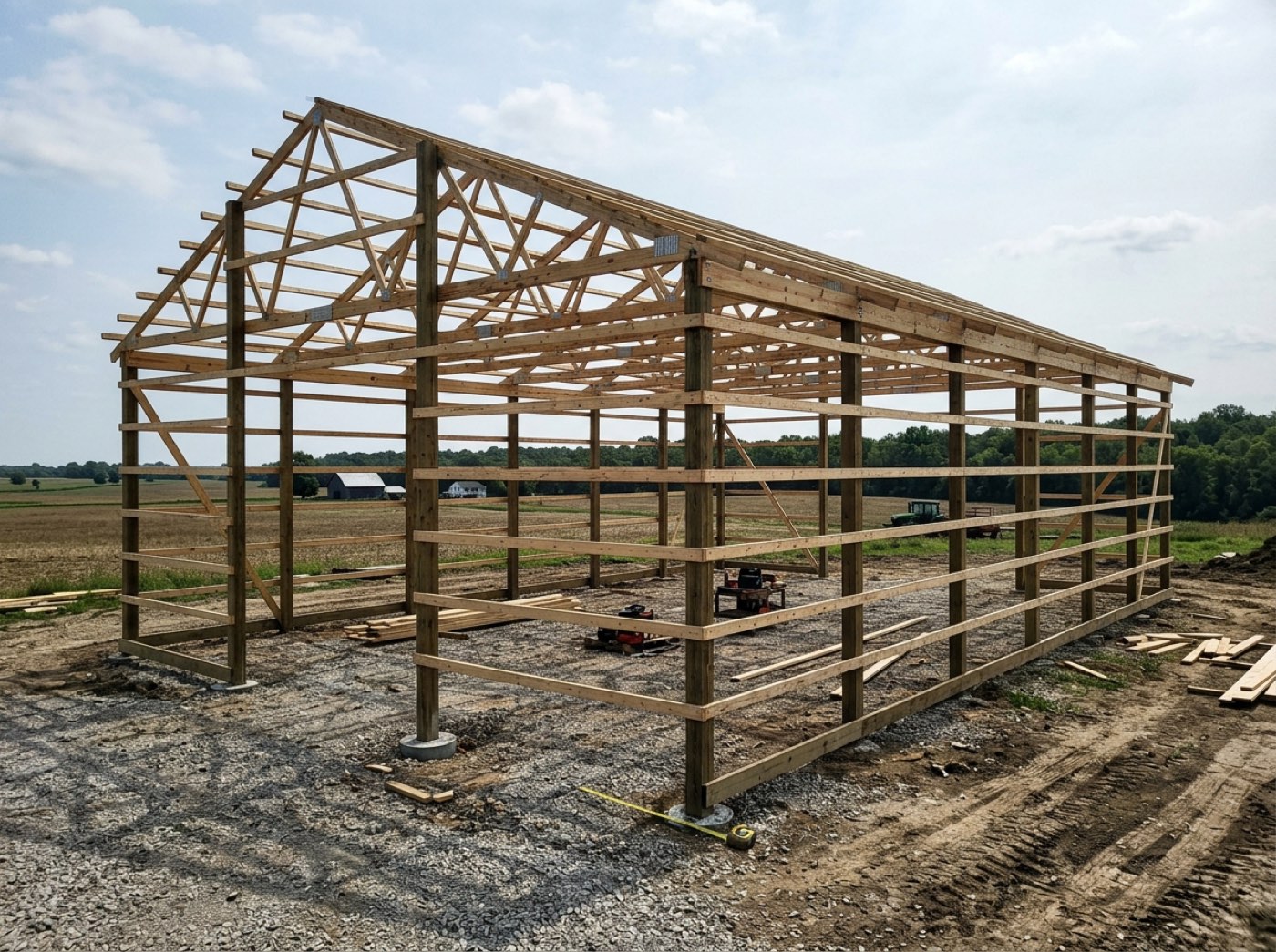
Crew members with no login have no task list — a tag for them would go nowhere.
The man who has to fix it sees it where he already looks, and the leader who asked knows it was seen. On a post-frame crew, that's the difference between ties fixed before the inspector and a second failed inspection.
- 1After a shot in the crew camera, he taps the thumbnail to Mark up the photo — circle it, arrow it, write on it.
- 2In the mark-up he taps @ Tag, ticks names on Who needs to see this? and taps Done — up to twelve people per photo.
- 3On Blocked, he can Tag someone before picking the reason — the reason is still one tap.
- 4The tags travel with the photo: with no signal, both wait on the phone and go together.
- 5A tagged person who signs in gets a task — Nate Ottinger tagged you on a photo: Photo · Concrete — and a bell notification with Open the job.
- 6A tagged crew member with only a crew link sees Tagged you at the top of Today, with the photo and the note, until he taps Got it — which also completes his task if he has one.
- 7Tag tasks are about the job, so they also show on the job's own Tasks card, with who each is for.
A photo of a wrong-size header matters to one person — the one who ordered it — and a failed inspection matters to the one who books the reinspection. Sending those to the office in general, or texting the picture separately to the right guy, meant it landed in a thread with no job attached and was gone by next week. Tagging puts it in front of that person, on the photo or the hold-up it's about, and leaves it on their list until somebody deals with it.
- Problems photographed but never seen by the person who can fix them
- No record of who was told about a problem in the field
- Crew members with no login having nowhere for a request to land