The Handover

The customer's own window on the job from deposit to keys, your name on every screen and document they see, and every photo filed for the next sale.

The operating system for post-frame and barndominium builders.

Instead of: A customer who phones every other day to ask where things are, paperwork scattered across email, and finished jobs nobody photographs or asks about again.
Live Project Dashboard
Leads2BuildLeads2Build
Leads2Build Construction
Live Project Dashboard
Zimmerman Equipment Barn
Marla Zimmerman Approved Live
Underway now
Framing
Next milestone
Trusses Up
1184 Quarry Ridge Rd, Seneca, KS 66538
Build progress
60% · 21/35 milestones
Permitting
Dirt Work
Concrete
Materials
Framing
Siding & Roofing
Final Payment
The real screen, drawn from the product’s own design system. Sample data — no customer information appears here.
Scroll — 8 steps
Where it starts

It answers “where are we at?” before they call

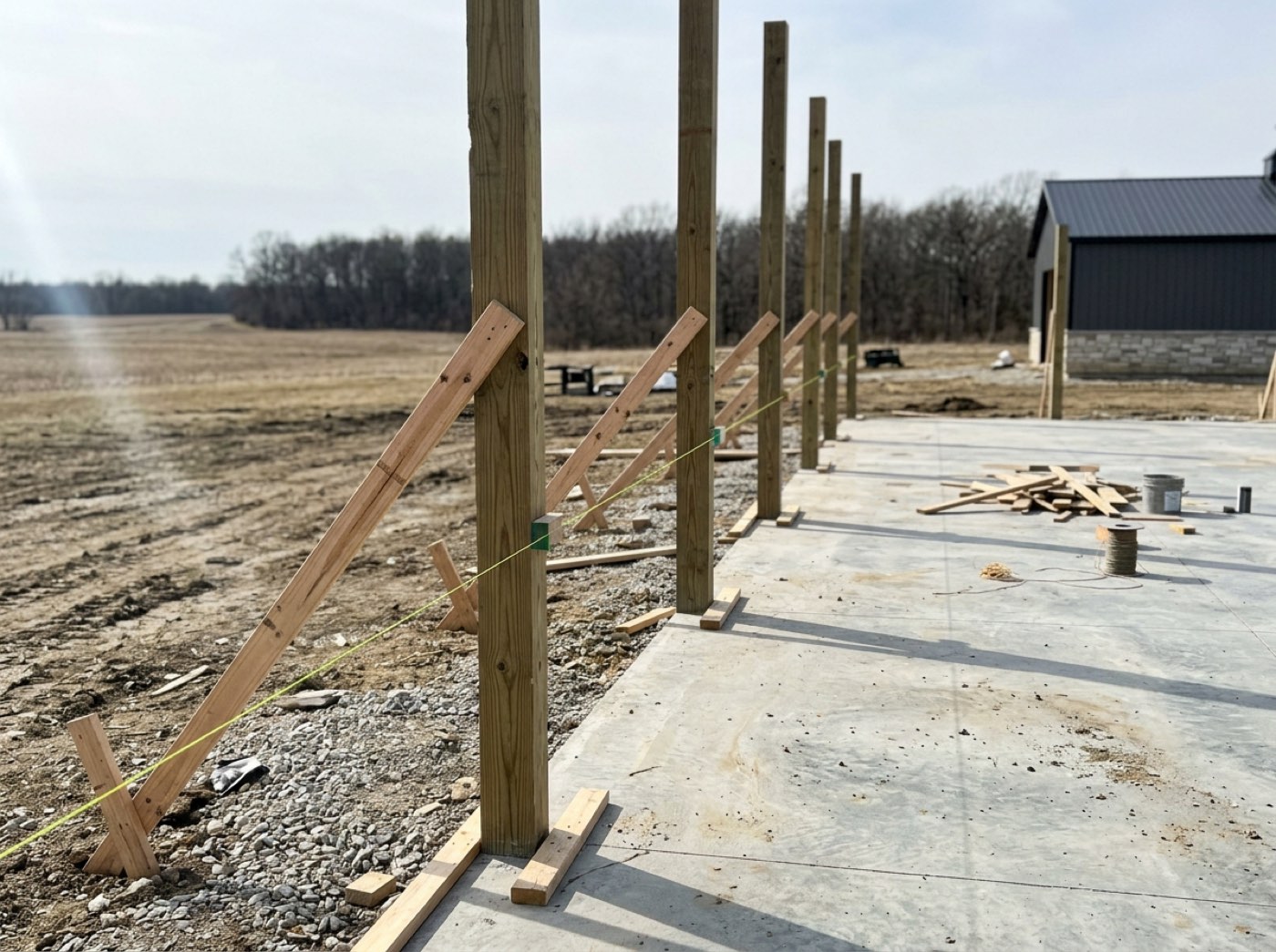
The same link they opened to look at a price now shows their build: each checkpoint with the day it was done — posts set on August 6, girts on the 11th, equipment on site on the 14th — and what comes next. Marla checks it at the kitchen table instead of ringing the office. A customer who can see progress stops worrying, and a customer who isn't worried tells her friends.

“Where are we at?” calls cost you an hour a day, and the customers who don't call are the ones quietly worrying.
Build Progress
Build Progress
PermittingCompleted
4/4
Dirt WorkCompleted3
4/4
ConcreteCompleted5
6/6
MaterialsCompleted
4/4
F
FramingIn Progress4
3/6
Post Set
Completed August 6, 2026
Girts Done
Completed August 11, 2026
Equipment on Site
Completed August 14, 2026
Trusses Up
Bracing Complete
Framing Inspection
Photos (4)
Jobsite progress photo
S
Siding & RoofingPlanned
0/6
$
Final PaymentPlanned
0/5
The real screen, drawn from the product’s own design system. Sample data — no customer information appears here.
Beat one

The photos arrive as the work happens

When a stage photo is shared with the customer, it goes straight to their dashboard — concrete poured, stage 2 of 6 — and they see it from the same link you texted them. You choose which shots they get; the rest stay yours. Watching their building go up is the best part of building for a customer, and they remember who gave them that.

Progress photos sent one at a time by text are lost in the customer's phone by the next week.

Stage — Concrete
CONCRETE
Hutchins 60×80 · Stage 2 of 6
Status
Checkpoints
Customer photos
The real screen, drawn from the product’s own design system. Sample data — no customer information appears here.
Beat two

Every milestone, in order, as it happened

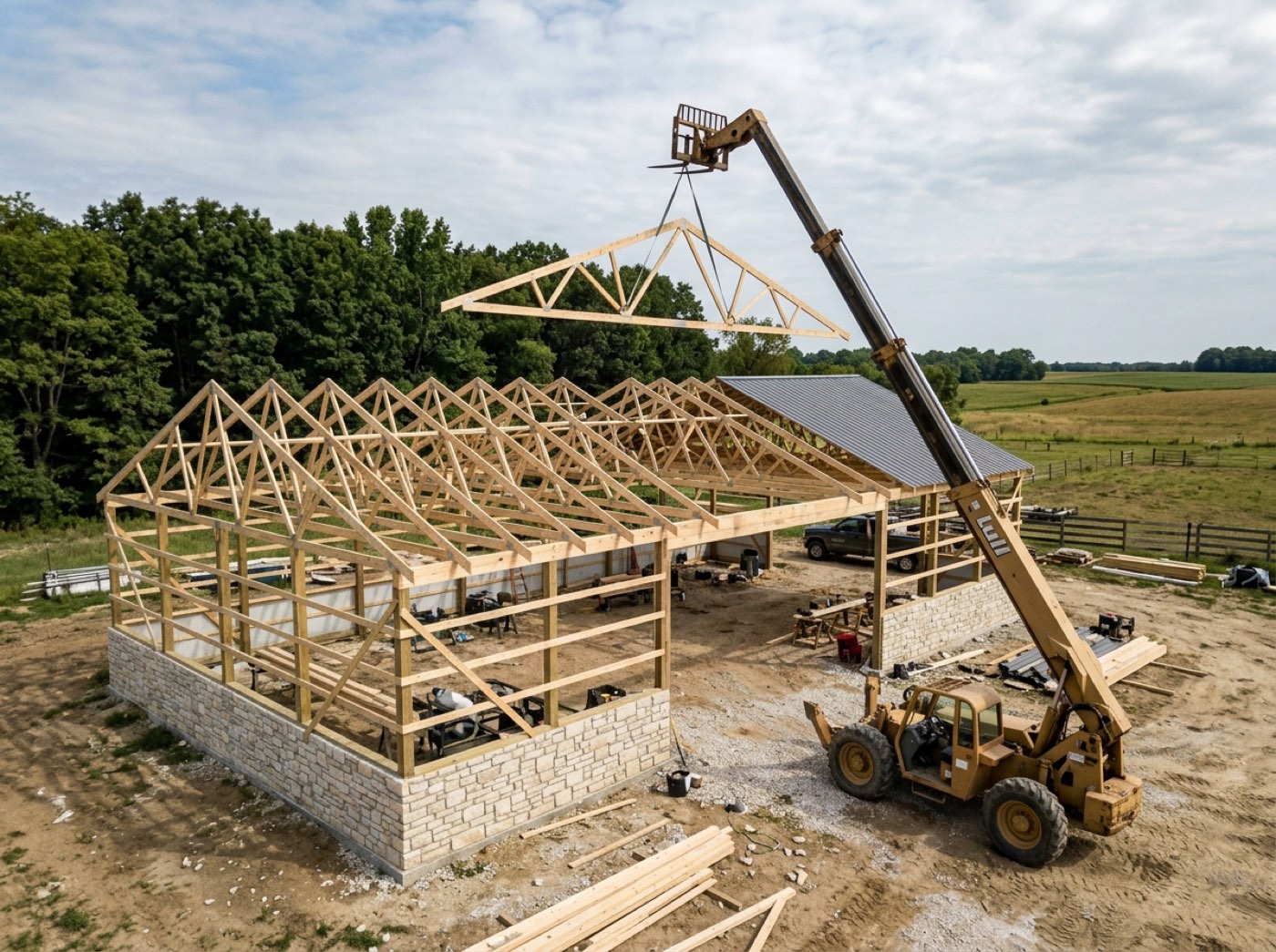
Their dashboard keeps the running record of the build: site prep finished, concrete poured, forms stripped, framing started, trusses set and braced, wall girts installed, new photos uploaded — each with its date. It's the story of their building, told while it's being built, and it makes your crew's work visible to the person paying for it.

A customer who only hears from you when something's wrong assumes every silence is bad news.

Portal action rail
Live Project Dashboard
Zimmerman Equipment Barn
Framing · Crew B on site · Day 34 of 61
3 invoices due$71,259.00
Needs your signature1 change order
The real screen, drawn from the product’s own design system. Sample data — no customer information appears here.
Beat three

Their invoices and documents, on their side of the glass

Invoices, the agreement and change orders open over their dashboard instead of in a separate email — the materials draw on the steel package, billed to Marla, with the balance due and a PDF if she wants one. Close it and she's back where she was. Nothing to dig for means nothing to call about.

Paperwork spread across six emails is paperwork the customer asks you to resend.

Portal doc modal
Build Progress
Invoices (5)
$71,259.00 outstanding
INV-1039 · Materials draw
Leads2Build Construction
118 Ridge Line Rd, Elkhart, PA
INVOICE
Bill To
Marla J. Zimmerman
4180 Quarry Bend Rd, Millersburg, PA 17061
Balance Due$51,360.00
Backdrop click and Escape close this. Your place on the dashboard is kept.
The real screen, drawn from the product’s own design system. Sample data — no customer information appears here.
Beat four

Your name on all of it

Set your business name, your wide logo, your square mark and your icon once in the Brand Center, and every screen and document the customer sees carries them — the quote, the dashboard, the invoices, the emails. Your colours and type follow. Built only for post-frame and barndominium builders, and it wears your name, not ours. The customer sees one builder, start to finish, and that's who they recommend.

A customer who sees a software company's name on your paperwork starts wondering who they're really dealing with.


Brand Center — Identity
Business InfoBrand CenterEmail Studio

Brand Center

Set your logos, colors, and type once — every email your customers receive picks it up automatically. Preview updates live; hit Save when it looks right.

Identity

Business name
Ridgeline Post Frame
Logos — one shaped for each use
wide logo example — L2B badge
Wide logo · ~3:1 horizontal
Email & invoice headers, letterhead. Your full logo with the name.
Example shape ↑ — upload yours below
wide logo example — L2B badge
Drop an image here or click below
PNG, JPG, WEBP, GIF, or SVG · up to 5MB
Choose fileRemove
…or paste a public image URL
https://ridgelinepf.demo.invalid/brand/logo-wide.png
square logo example — L2B profile mark
Square logo · 1:1
Social profiles & avatars — a compact mark that fits in a circle.
Example shape ↑ — upload yours below
square logo example — L2B profile mark
Drop an image here or click below
PNG, JPG, WEBP, GIF, or SVG · up to 5MB
Choose fileRemove
…or paste a public image URL
https://ridgelinepf.demo.invalid/brand/logo-square.png
icon example — L2B mark
Icon · 1:1 small
Browser tab / favicon — a simple mark that reads at tiny sizes.
Example shape ↑ — upload yours below
icon example — L2B mark
Drop an image here or click below
PNG, JPG, WEBP, GIF, or SVG · up to 5MB
Choose fileRemove
…or paste a public image URL
https://ridgelinepf.demo.invalid/brand/icon-512.png
Website (shown in footer)
ridgelinepf.demo.invalid
The real screen, drawn from the product’s own design system. Sample data — no customer information appears here.
Beat five

Their photos and your proof are kept apart

Two streams from the same camera. Customer photos are published to their portal the moment you tick them; checkpoint proof stays internal — your record of how it was built, not their gallery. The crew takes the picture once and it lands in the right place. The customer sees the good shots, and you keep the proof if anything is ever questioned.

One pile of photos means either the customer sees the messy ones or you lose your proof.
Customer photos vs checkpoint proof
Customer PhotosShared

Published to their portal the moment you tick it.

Checkpoint proofInternal

Stays internal. Your record, not their gallery.

The real screen, drawn from the product’s own design system. Sample data — no customer information appears here.
Beat six

Every photo filed by job and stage, ready for the next sale

When the keys are handed over, the job's photos are already filed. The gallery gives every job a cover, its photo count and its dates — the Lindqvist 40×60 shop, 233 photos from June 8 to July 24, marked Completed; the Marsh 50×96 ag building, 391. Find a job by name or show only the completed ones, and each opens to its photos by stage. Nobody rounds them up from six phones before the next ad or post. Your best work gets shown, and the crew sees their building become the reason the next customer called.

The best photo of your best job is on a phone that left with the man who took it.

Gallery — Projects
6 jobs
The gallery's Projects view — a cover card per job with search and Active / Completed; a card opens into the job's stage sections. Real screen · sample data.
And then

The finished job becomes the next customer's reason

Testimonial photos and a walkthrough video go onto the pages your next customers open, and the plan set stays with this one's — paste a link or upload the file. The shop front, the Zimmerman walkthrough. The building you just finished starts selling the next one, in a happy customer's own words.

A happy customer nobody asked for a photo or a few words is the cheapest marketing you never did.

Portal media upload

Upload up to 50 MB (MP4), or paste a YouTube / Vimeo / direct link. Takes precedence over photo when both are set.

Try it:
Same path, same bucket
hansen-shop-front.jpgTestimonial photo2.1 MB
walkthrough-zimmerman.mp4Testimonial video41.8 MB
zimmerman-barn-planset-r3.pdfPlans & blueprints8.4 MB
The real screen, drawn from the product’s own design system. Sample data — no customer information appears here.
Every part of it, in detail
One customer link, no password
Your customer gets one link that opens as their estimate and later becomes their live project dashboard, with no account to create.
Live project dashboard
The link they already have becomes a live project page — their building in 3D, what's done, what's paid, and every document they'll ever ask you for.
Brand Center
Set logos, colours, type and footer once, and every email, quote and customer page restyles to match.
Jobsite photos
The crew shoots from a phone, and two visibly different buttons decide whether a photo goes in the job file or in front of the customer.
The invoice, on its own link
A branded, read-only invoice at its own link the customer can read, print or pay — with no login.
Stage checkpoints
Every stage carries a checklist of the actual work inside it, and ticking the last one finishes the stage.
Photo gallery — every job, every photo
Every photo on every job, in one place: an endless grid, a cover per job opened into its build stages, or the day it was taken — and one search that reaches them all.
THE SYSTEM, END TO END

Hand over a building
with your name on it.

The customer's own window on the job from deposit to keys, your name on every screen and document they see, and every photo filed for the next sale. Twenty minutes, on one of your real structures — and the link we build is yours to keep whether or not you go any further.

leads2build.com
Live Project Dashboard
Leads2BuildLeads2Build
Leads2Build Construction
Live Project Dashboard
Zimmerman Equipment Barn
Marla Zimmerman Approved Live
Underway now
Framing
Next milestone
Trusses Up
1184 Quarry Ridge Rd, Seneca, KS 66538
Build progress
60% · 21/35 milestones
Permitting
Dirt Work
Concrete
Materials
Framing
Siding & Roofing
Final Payment
The Handover — Leads2Build