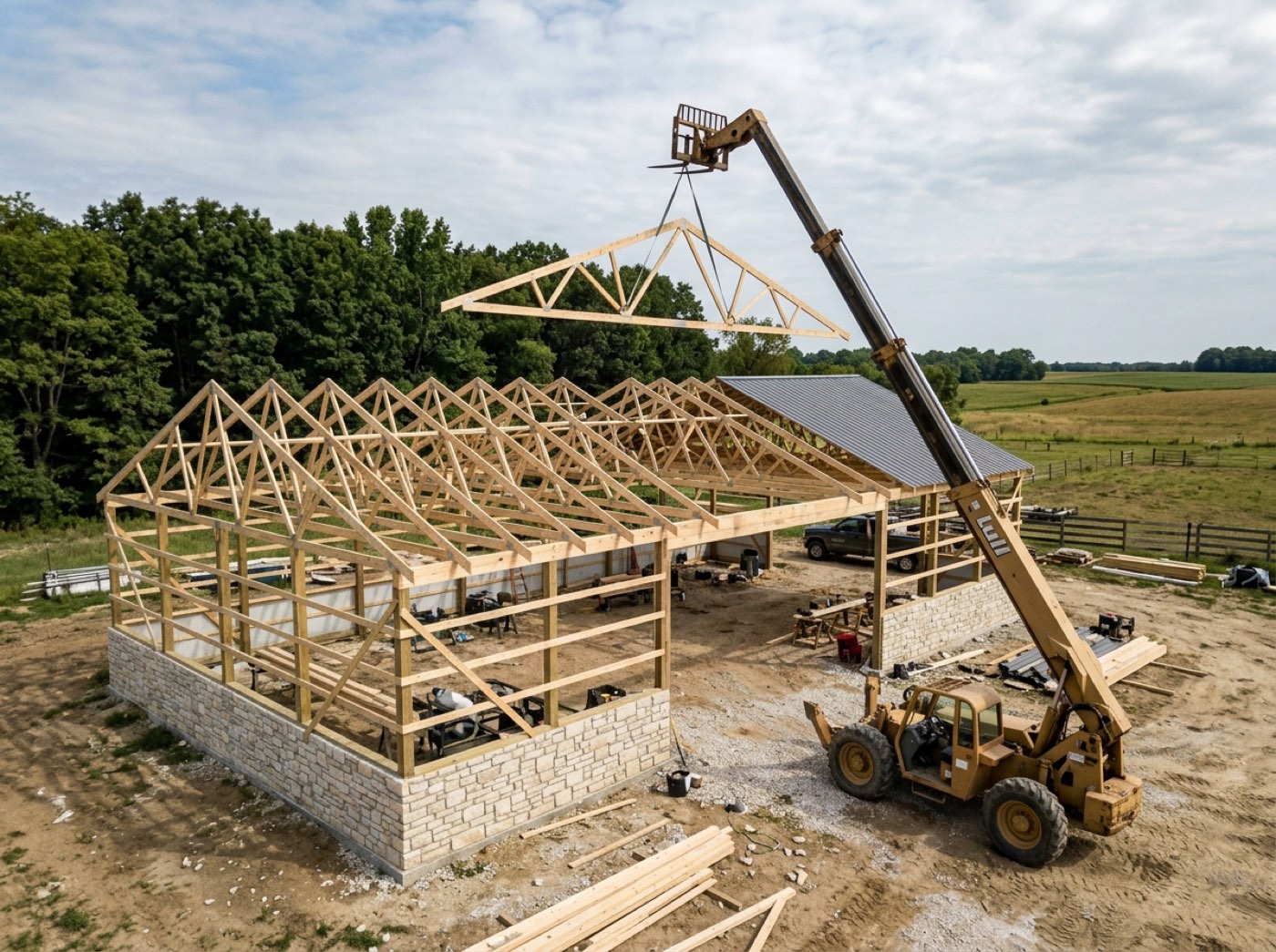
Post-frame crews start at the yard and finish on a site down a gravel road, so an hour a day goes to loading the trailer and driving. On the crew link that hour now has a name. Off the clock, the three buttons choose what Clock In starts as — Job is lit unless he picks another, so a man who never touches them clocks in exactly as before. On the clock, a tap switches: the stretch he was on closes and the next opens at the same moment, and the hours so far stay where they were. Drive hours belong to the job he drove to; Office / Shop hours carry no job at all, so they never land in a job's labour cost. One system for the whole post-frame business, instead of five tools taped together: the same split shows up in Hour approvals, on his own week, in the pay run and in both CSVs.
Also called: drive time · paid travel time · shop time · office time on the clock · time categories · yard time · travel time tracking for crews
Job, Drive or Office / Shop — picked before Clock In, or not at all
Try itUnder the clock on the crew link are three big buttons: Job, Drive, Office / Shop. Before he clocks in, they choose what Clock In starts as. At 6:28 Nate is at the yard loading the trailer, so he lights Office / Shop and taps Clock In. A man who never touches them starts on Job, exactly as he always has.
One number per shift can't tell loading the trailer from the drive from the job — so drive time gets guessed and shop time lands on the job.
Nobody wants a new chore, and this isn't one — it's the same tap with a word above it. Defaulting to Job means the crew that ignores it loses nothing, and the crew that uses it gets every hour counted the way you pay it.
One tap switches — no clocking out at the gate
Try itOn the clock, the label reads On the clock for. When the crew pulls onto Dawson Hoover's site at 7:30, Nate taps Job: Switched to Job. The drive closes at that instant and the job opens at the same instant, so the day stays one unbroken run split by kind — Tap another to switch. The time so far stays where it was. With no signal, the tap waits on the phone like every other one and sends itself later.
Clocking out and back in to change what you're doing is two taps nobody makes.
One tap at the gate becomes a habit; clocking out at the gate never does. The hour he drove is counted as driving, which is what he's paid for and what you need to know.
His own week says how much of it was driving
On the You half of his Crew door, his week shows one number, approved and waiting kept apart, and a line splitting it — 30h job · 5h drive · 2h office / shop. Every stretch is its own tile, and the Drive and Office / Shop ones say so under the hours. He's reading the office's own entries, not a copy.
A man who's paid for drive time can't see whether it was counted until the check comes up short.
When a man can see his drive hours counted, he trusts the check — and stops keeping his own notebook. That's one less payday argument, and one more reason a good hand stays.
When the leader clocks a man in, he goes on what the leader is on
Try itSherman forgot to clock in at the yard. As they pull out at 7:00, Nate opens Your crew → The crew and taps Clock in on Sherman's row: Sherman Ealy clocked in. Nate is on Drive, so Sherman's hours start as Drive too — a crew rides together and works together. The entry carries Nate's name as the one who entered it, as it always has on the punch clock.
A man who forgot to clock in loses the drive — or someone writes in a time nobody can check.
The leader can fix a mate's slip in one tap without making a thing of it, and the hour lands as the right kind because the crew is in the same truck. You get the real hours, with a name on who entered them.
Hour approvals shows what each hour was — and keeps shop time off the job
Try itIn Accounting → Hour approvals, every job group carries a line under its name: Job 15h · Drive 2.5h · Office / Shop 0h. Drive rows say so — Nate Ottinger · Drive · Framing — and carry the job and stage they were for. Office / Shop time has no job, so it sits under No project and never reaches a job's labour cost or its budget.
Shop time charged to a job makes the job look over; drive time buried in job hours hides what driving costs.
Whoever approves hours wants to see what he's signing off, not one number to take on trust. For you, the drive to a site stays part of what that job cost, and loading the trailer for every job doesn't get dumped on whichever one was open.
The pay run shows job, drive and shop hours beside the pay
Every pay run has three tiles under the totals — Job hours, Drive hours, Office / Shop hours — and every check carries its own split under its hours: Nate's week is 40 h + 6.25 OT, and 37.5h job · 6.25h drive · 2.5h office / shop. Every approved hour counts toward the week's forty, whatever kind it was; the split tells you what the hours were, beside how they're paid.
You pay drive time, but payroll shows one hours figure — so nobody can say what driving cost this month.
An owner wants to know where the money went, not just how much. Seeing 23.75 drive hours in one crew's week is the number that starts the conversation about which jobs are worth the drive.
Three columns added to the end of both CSVs — nothing moved
Try itThe Register CSV and the Hours & earnings CSV both end with Job hours, Drive hours, Office/Shop hours. They're added after every column that was already there, so an import your accountant or payroll service has already set up keeps reading the same positions. Payroll here calculates and exports — it doesn't file taxes or send deposits — and these columns are part of what it hands over.
Change a CSV's columns and every saved import at the accountant's breaks.
Whoever files your payroll gets more to work with and no afternoon of remapping — and you get drive hours on paper without changing how anyone works.
The office clocks in with the same kinds of hour
Try itOffice people who clock in do it from the card on Home, choosing Office, On a job (which then asks which job), Shop, Travel or Training. Office and Shop count as Office / Shop, Travel as Drive and On a job as Job — the same three groups the crew taps and payroll reports.
Office hours on one system and crew hours on another never add up to one honest total.
Everyone — the PM, the yard hand, the framer — is counted the same way, so nobody feels singled out. You get one set of categories for the whole company.
Switching never resets the twelve-hour alarm
A day of switching is stored as several stretches but treated as one shift. If someone stays on the clock twelve hours, the never clocked out alert counts from the first tap of the day — 6:30 at the yard — not from the moment he switched to Job. Who it goes to is set in your notification settings, and it never closes the shift by itself.
If every switch restarted the clock, a man who switched at 7:30 and forgot to clock out would never trip the alarm.
The alarm protects the man as much as you — a forgotten clock-out caught that night is a ten-minute fix, not a payday dispute. Counting from the start of his day is what makes it fire when it should.
His record counts one start a day, not four
On the Hours door, his record counts how many times he clocked in and out. A switch isn't him starting or stopping his day, so it counts toward neither — nor toward the time his day usually starts. Nate taps four times a day, and his Turning up still reads 128 clock-ins, 128 clock-outs, all closed.
If every switch counted as a clock-in, his record would say he clocked in four times a day — and a man stops trusting a record that doesn't look like his day.
A man checks his own record because it looks like his day; if it didn't, he'd stop looking. Keeping switches out of it keeps the record worth reading — and a crew that reads its record works on it.
- 1Before Clock In, he can tap Drive or Office / Shop; leave it alone and the day starts as Job.
- 2On the clock, he taps another kind to switch — no clocking out. The count starts over on the new kind; the hours before stay on the old one.
- 3With no signal, a switch is saved on the phone and sent later, like every other tap.
- 4A crew leader who clocks a man in from Today's crew puts him on whatever the leader is on right now.
- 5Job and Drive hours carry the job and its stage; Office / Shop carries none, so it groups under No project in Hour approvals and stays off every job's cost.
- 6His own week shows the split, and each Drive or Office / Shop stretch is labelled.
- 7Office people clocking in from Home pick Office, On a job, Shop, Travel or Training — folded into the same three groups.
- 8Each pay run shows Job hours, Drive hours and Office / Shop hours, and both CSVs get the same three columns added at the end.
Builders who pay drive time and track shop time had one number per shift and no way to tell the three apart. Splitting it on Friday meant asking a man to remember when he left the yard on Tuesday, so it was guessed — and shop time quietly landed on whatever job was open, making that job look worse than it was. The fix was to record the kind of hour when it happens, with one tap at the yard gate and one at the site, and to make sure nothing changed for anyone who ignored the buttons.
- Drive and shop hours mixed into job hours
- Office and shop time inflating a job's labour cost
- Drive time rebuilt from memory on payday