Readable Project Numbers

A number like 26-SMITH-042 on every project that never changes — so every system and every division points at the same job.

The operating system built exclusively for post-frame and barndominium builders.

Part of The Operations Desk
What it is

Year, the client's last name and the company's running number for the year, in a format you set. Issued the moment a project is created, from a counter that can't hand out the same number twice, and kept for good — through a rename, an archive or completion. It shows in the project window, the client directory and the property panel, and you can jump to a job by typing part of its number.

Also called: job number · project number · 26-smith-042 · job reference · numbering

See it, piece by piece
01

Your format, with a live preview

Try it

In Settings → Project Numbers, build the format from the year, the client's last name and the year's running number — {YY}-{SURNAME}-{SEQ3} gives 26-SMITH-042 — and the next number shows as you type. Moving from another system? Set where this year's count carries on from. Number existing projects numbers what you already have, oldest first, using each project's own year.

Settings — Project numbers

Project numbers

A readable number on every project — like 26-SMITH-042 — that never changes, even after the job closes. Other systems (your trade division's field app, accounting) quote it to find the right job.

Next project would be 26-SMITH-019 (for a client named Smith)
Save
Existing projects

18 numbered · 7 active or completed without a number. New projects are numbered the moment they're created.

Edit the format or the next number and watch the preview; Number existing projects → Number them. Real screen · sample data.
Without it

Jobs were found by customer name, and two Smiths in one season meant the wrong job got the call.

Why we built it

A format must include the running number, so two jobs in one year can never share a number.

Sound familiar?“our HVAC guys can't tell which job a bid belongs to”
02

The last name in the number

Try it

The name part is the client's last real word: "John & Mary Smith" is SMITH, "Brooks, Tyler" is BROOKS, and suffixes and company words — Jr, III, LLC, Family, Farms — are skipped, with accents folded. With no client, the name after a dash in the project's title is used. The running number is company-wide, so the name is there to read, not to keep numbers apart.

Project numbers — how the last name is picked
How the last name is picked
New project → 26-STOLTZFUS-043
  • John & Mary SmithSMITH
  • Brooks, TylerBROOKS
  • Hoover Family Farms LLCHOOVER
  • Robert Kauffman Jr.KAUFFMAN
  • Núñez-OrtizNUNEZORTIZ
  • No client — project “40×72 Horse Barn — Brandon Sheaffer”SHEAFFER

Suffixes (Jr, III) and company words (LLC, Family, Farms) are skipped; a comma means last name first; accents are folded. The running number is company-wide, so two Smiths in one year never share a number.

Type a client name — the next project's number follows; Next job moves the running number on. Real screen · sample data.
Without it

Job numbers were strings of digits nobody could connect to a house.

Why we built it

A number a person can read on a label or say on the phone gets used; an internal id doesn't.

Sound familiar?“two jobs for the same customer get mixed up”
03

Issued once, never changed

Try it

A project is numbered the moment it's created, from a counter that can't hand out the same number twice, and keeps it through a rename, an archive or completion. It sits before the project's name in the project window, in the client directory and on the property; type part of it anywhere to jump straight to the job. A trade division's field-service app can store it and quote it back.

Project window header — number and Property
Project

26-WEAVER-001Nicole Weaver — Barndominium with Porch

Nicole WeaverPropertyBroken Arrow, OKComplete
Renamed, archived or finished, the number stays 26-WEAVER-001 — it is issued once and never reused.
Projects
  • 26-WEAVER-001Nicole Weaver — Barndominium with Porch
Type part of a number — "26weaver1" — or a name, and the project comes up. Real screen · sample data.
Without it

The trade division's app pointed at a job by name, and the name changed.

Why we built it

Another system can only link work to a project by something that will still be true next year.

How it works
  1. 1Set the format in Settings → Project Numbers — {YY}-{SURNAME}-{SEQ3} gives 26-SMITH-042.
  2. 2Set where this year's numbers carry on from if you're moving from another system.
  3. 3Number existing projects numbers what you already have, oldest first.
  4. 4New projects are numbered the moment they're created; the number never changes after that.
  5. 5Right-click anywhere and type part of a number to jump straight to the job.
Why we built it

A builder's in-house trade division quotes and schedules its work in its own field-service app, and needs to attach that work to the right builder project. Names collide and change; a permanent, human-readable number doesn't. It is issued once from an atomic counter and frozen, so another system can store it safely.

The problem
  • No readable job reference across systems
  • Jobs confused by customer name
What you get
Never changes once issued
Company-wide running number — no collisions
Search by number anywhere
BUILD SCHEDULE

See readable Project Numbers
on one of your own jobs.

Thirty minutes with Keith — your building, your numbers. Bring the job where “our HVAC guys can't tell which job a bid belongs to” — we will show you exactly where that stops.

leads2build.com
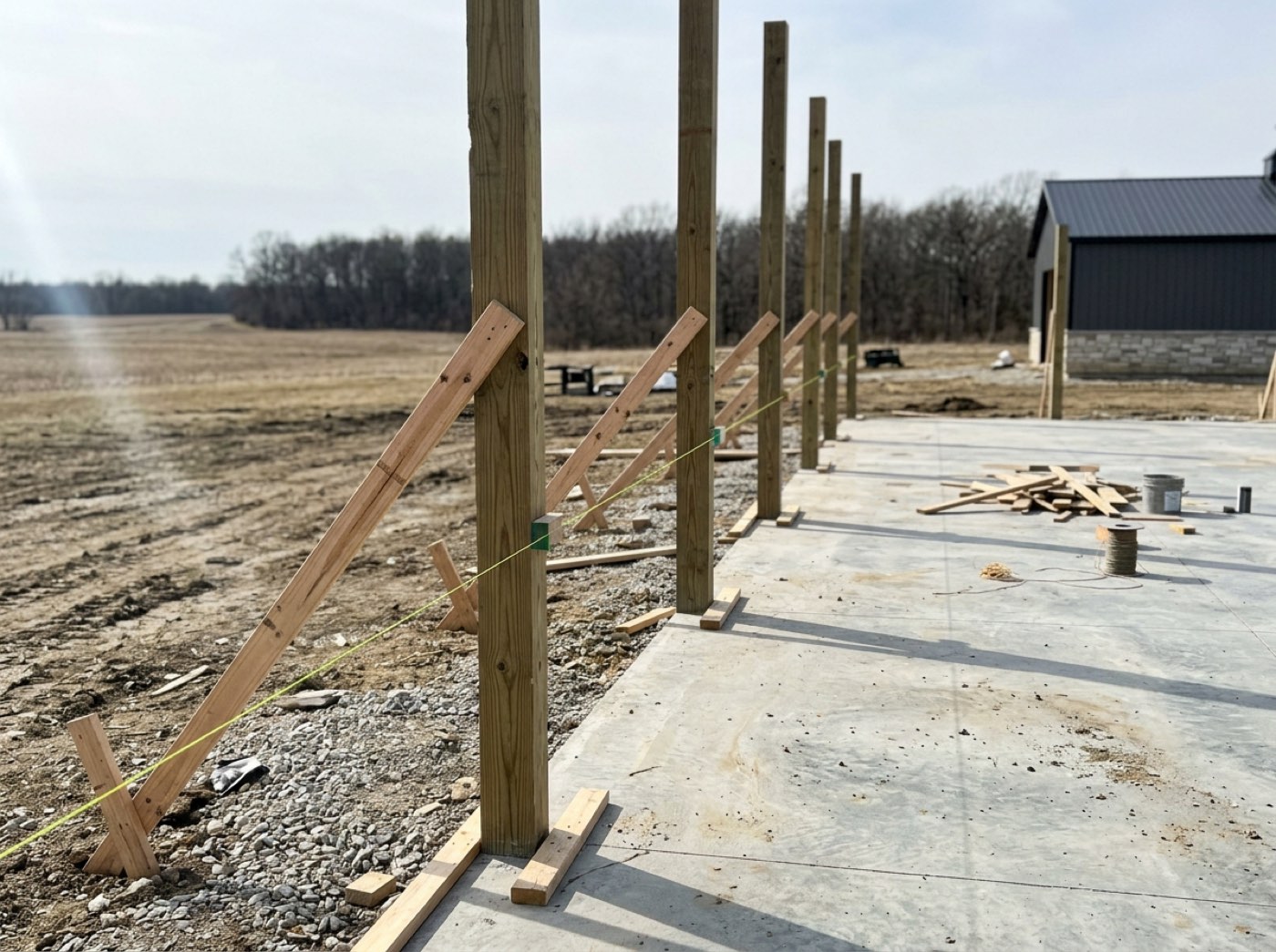
Laminated columns standing in a post-frame shell
Settings — Project numbers

Project numbers

A readable number on every project — like 26-SMITH-042 — that never changes, even after the job closes. Other systems (your trade division's field app, accounting) quote it to find the right job.

Next project would be 26-SMITH-019 (for a client named Smith)
Save
Existing projects

18 numbered · 7 active or completed without a number. New projects are numbered the moment they're created.

Readable Project Numbers — Leads2Build