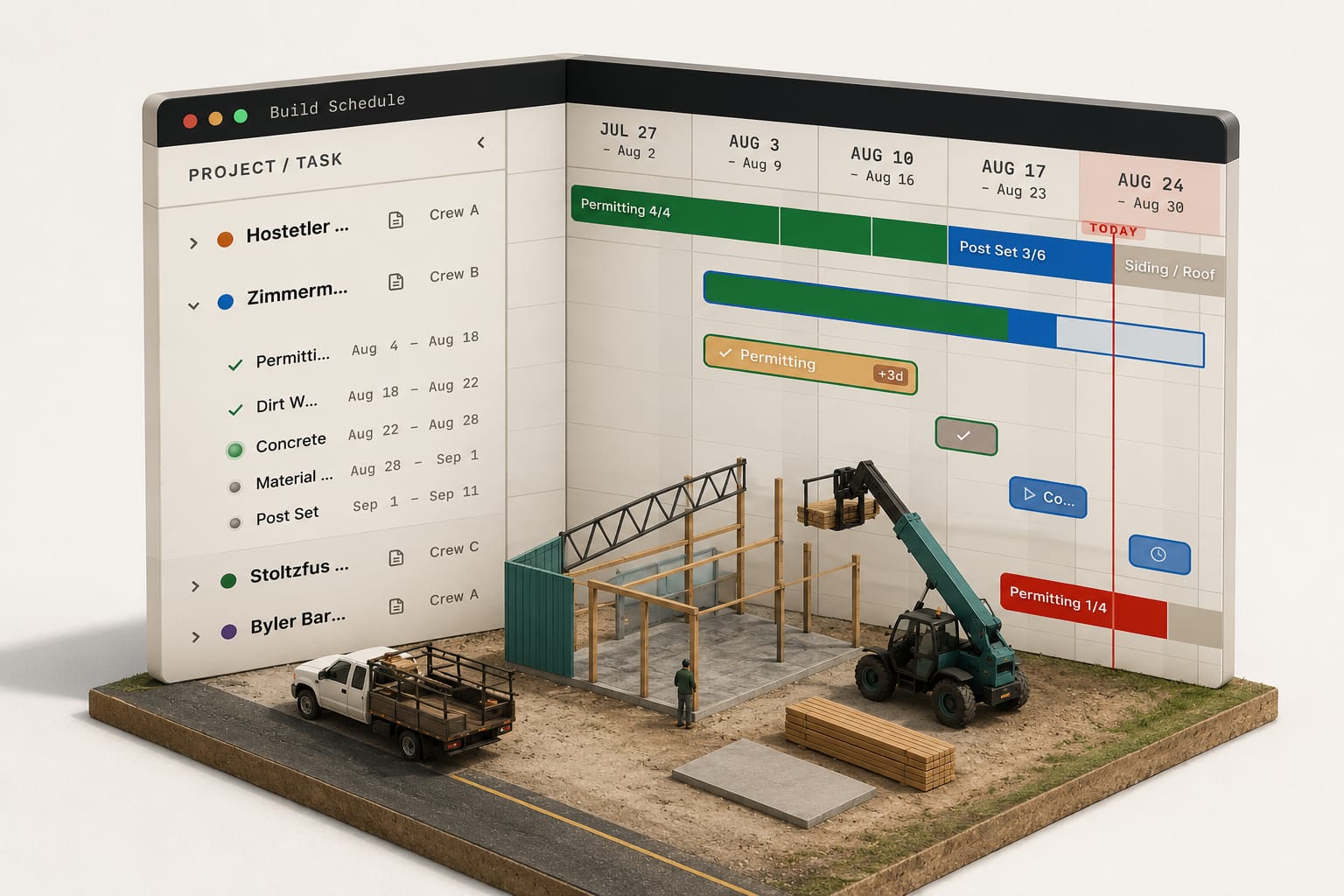
The short answer: A pole barn Gantt chart should show every live job as a row, each stage (site prep, posts, trusses, steel, doors) as a bar, and each crew as a color, counted in that crew's working days. Read down any day and you see who is where and which crew is free Thursday. Bars should move only when something real happens: rain, a late truss load, a sub who doesn't show.
A calendar tells you what day it is. A build schedule tells you which of your crews is free on Thursday, and most scheduling software sold to builders only manages the first. The Build Schedule in a post-frame operation is a construction Gantt chart: every live job as a row, every stage inside it as a bar, and the crew on each bar shown as a colour, so where everyone is on any given day reads without opening anything.
The mechanics of the board itself live on the Build Schedule page.
A build schedule is a timeline of stages, not a list of dates
Three things make a schedule a build schedule rather than a shared calendar:
- The unit is the stage, not the appointment. A 40x60 shop is Permitting, Material Delivery, Post Set, Framing, Roof Steel and Siding, Trim. Each is a bar with a length in days and a crew on it.
- The row is the job, and every live job is on the same sheet. Six builds, three crews, one screen. The question the board answers most often is not "when does the Miller job finish" but "who is free the week after it does".
- The bar carries a status. Planned, in progress, delayed, done. A calendar entry has no state; it just sits on the day you typed it.
Federal construction contracts have asked for exactly this for decades: FAR 52.236-15 requires "a practicable schedule showing the order in which the Contractor proposes to perform the work, and the dates on which the Contractor contemplates starting and completing" each feature of it. Order, start, finish, per feature: that is the definition.
Why post-frame needs it more than a general contractor does
A stick-frame general contractor runs one site for months with subs cycling through it. A post-frame builder runs the opposite shape: short stages, three to eight of them per building, with the same two or three crews hopping between four or five sites in a week. Post Set on Tuesday, drive forty minutes, Roof Steel on Wednesday, back for Framing on Friday when the concrete has cured.
That shape breaks a whiteboard in a specific way. The whiteboard holds one job at a time well and the crew question badly. When the framing crew finishes the Miller shop two days early, the whiteboard cannot tell you whether the next post set is ready for them or whether the material has even been delivered. Someone drives out, or someone phones, or the crew sits. Finishing early is also a pay question: what an hourly plus shared surplus crew pay structure costs when a job comes in under its figured days.
Filter to one crew and every bar that is not theirs leaves the board; the gap between their last bar and their next one is drawn and labelled as idle days. If the customer asks about the Miller job, type the name and everything else leaves the board instead.
Days are counted in working days, or the bar lies
A five-day stage that starts Thursday does not end Tuesday. If the crew works Monday to Friday it ends the following Wednesday, and a bar that quietly ran through Saturday and Sunday has just promised the customer a date nobody can hit. Every downstream stage inherits the error, so a six-stage job can be a week and a half wrong by Trim.
The rule is simple: stage lengths are spent in the days that crew actually works, and days nobody works are shaded on the timeline. The concrete sub who pours Saturdays keeps a Saturday week; the framing crew does not, and the two can sit on the same job with different weeks. A start dropped on a Saturday rolls forward to the next day that crew works before a single day is spent.
Weather takes days too, and the same rule applies: a rain day is a day the stage did not spend, not a day that vanished. How a schedule absorbs that without re-promising every customer is its own subject, covered in the construction schedule that survives contact with weather.
The bar shows how far along, not only how long
A bar that is 60 percent through its dates is not 60 percent done. Length is the plan; progress is the work. On a build schedule worth the name the fill on the bar counts the stage checkpoints the crew has actually ticked from the site: posts set, girts on, purlins on, steel started. Nobody types a percentage and nobody guesses one on the phone.
That distinction is what lets the owner read the board from the office. Two bars with the same dates and different fills say which job is in trouble before anyone reports it.
The only thing that should move on its own is trouble
The tempting design is a schedule that reshuffles itself: a stage runs long, every later bar slides, the customer's date drifts and nobody decided it should.
The better rule is that the plan holds still and the trouble is what gets drawn. A crew lead blocked on site taps a reason at 7 am and the stage is flagged delayed with the clock running on it. The dates do not move. Rescheduling stays a decision the office makes, off the record that tap created, with the cost of the delay already counted by the time the decision is made.
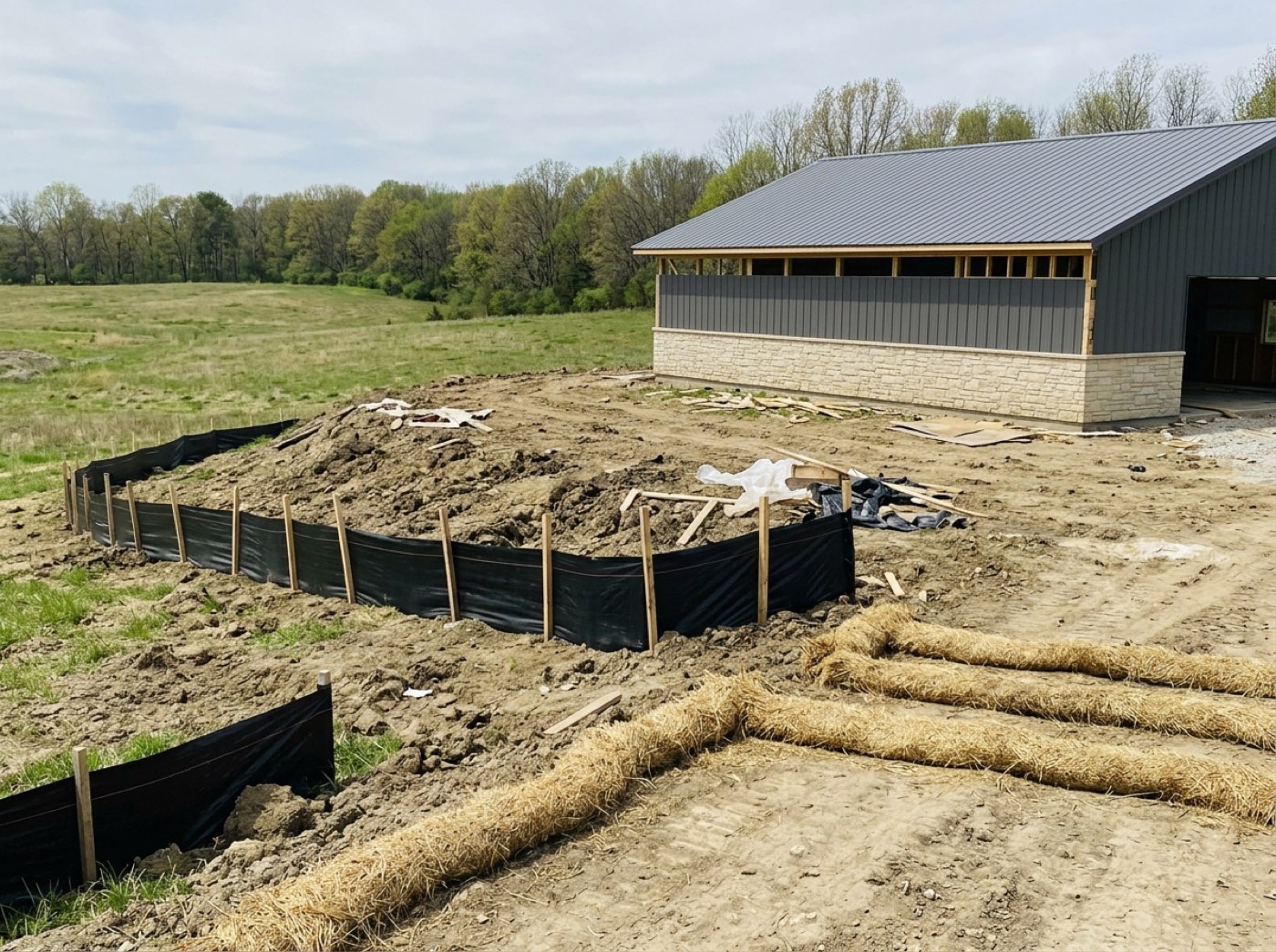
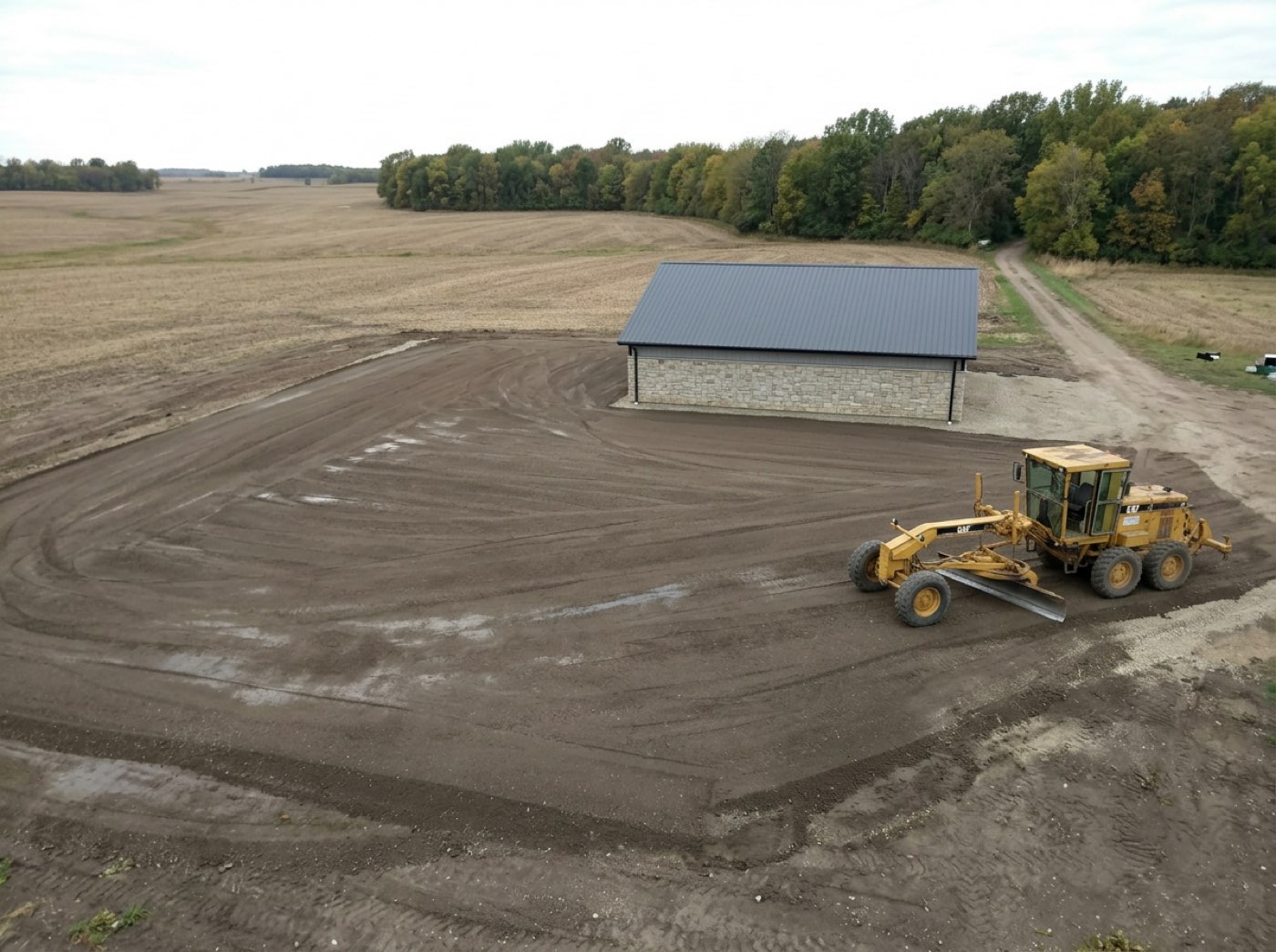
A change order works the same way: it adds days to the stage it touches, in writing, with the reason on the record. The construction change order that protects your margin is where those days get priced.
Who it is for, and who can skip it
It is for the owner or project manager running two or more crews across four or more live jobs. That is the point where the crew question stops being answerable from memory and the cost of a crew sitting for a day becomes real money.
A single-crew builder finishing one building before starting the next can run off a calendar and a phone. The board would be one row, and one row is a list. Adopt it when the second crew arrives, not before.
Subs see their own bars and nobody else's. The customer never sees this screen at all; what she sees is her own job's stages on her dashboard, which is a different picture with a different purpose. The board is the builder's working surface inside Project Command, where the stages, the photos and the crew payout live on the same job the schedule draws.
If the crew question is the one you cannot answer from your desk today, the Build Schedule page shows how the board is worked: opening a stage from the bar, the crew and job working weeks, and what happens to a stage that has drifted out of order.
Thirty-second check
- Can you name which crew is free next Thursday without a phone call?
- Does a five-day stage on your schedule ever end on a Saturday?
- Is progress on the job a number someone typed, or the boxes the crew ticked?
- When a crew is blocked, does your customer's date move by itself?
- Do subs and customers see the same screen you do?
What the research says
- Everyone underestimates their own timelines. Buehler, Griffin and Ross found people's completion forecasts were overly optimistic because they pictured the plan and ignored past experience; when asked to connect past experience to the forecast, the optimistic bias went away. A Gantt bar sized from how long your last ten 40x60s actually took is that past-experience check, built in.
- Forecasts made one job at a time run optimistic. Kahneman and Lovallo describe the "inside view": decision-makers treat each case as unique, anchor on its plan and ignore base rates. Seeing every live job on one board, crew by crew, is the outside view: the truss delay on one job shows up as the crew conflict it causes on two others.
- Crews are the constraint. In AGC's 2025 workforce survey of about 1,400 firms, 45% had projects delayed by worker shortages, the most-cited reason for delays. AGC skews commercial, but the point holds for a post-frame builder with two or three crews: the schedule is really a map of who is free, which is why color by crew matters more than the date.
- Stages depend on each other and on subs booked weeks ahead. Hansen Pole Buildings' order of construction advises lining up subs 6 to 12 weeks before they're needed, with mechanicals following dry-in in a fixed order. A bar that moves on its own when the stage before it slips keeps those bookings tied to the work, instead of a calendar nobody updates.
Where this stops
The Build Schedule tells you where crews are and where stages stand. It does not yet tell you where the material is: a Material Delivery stage is a bar with a supplier on it, not a live feed from the yard's truck. The day the steel lands late still reaches the board the same way everything else does, as a delay with a reason on it.