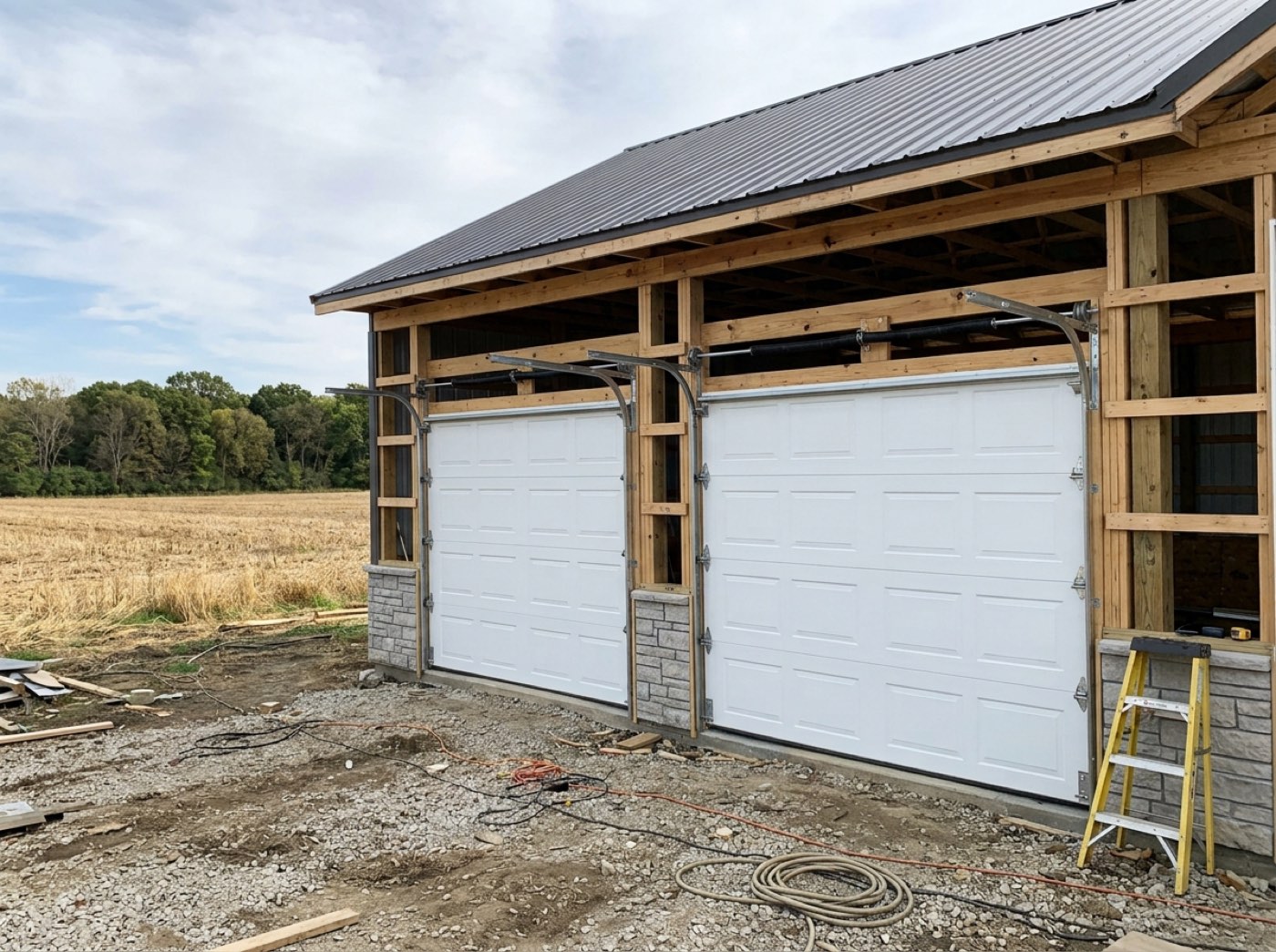
One draft per stage, each titled with the job, the stage name and the percentage, each carrying that stage's dollar amount as its only line. Each is stamped so it reads Payment 2 of 3. They are drafts — you edit and send each one when its time comes. Deposit, delivery, final: the whole billing plan for a post-frame build exists the day the deal is signed.
Also called: split the job into invoices · draw invoices · make all my progress invoices at once
One press writes the whole billing plan for the job
A four-stage schedule becomes four draft invoices at once, each titled with the job, the stage and the percentage, each carrying that stage's dollar amount as its only line. Working 40% of a contract out by hand for every draw is where the arithmetic errors got in. And the middle draw is the one that gets forgotten — until the job is finished and the leverage is gone. Every bill for the job exists from day one.
Every draw on a job starts life as a blank invoice, so a four-stage build costs you four separate sit-downs with the contract open and a calculator beside it.
The draw you forget to raise is the leverage you lose — the middle one goes missing until the job is done. Generating is a planning act: the full set lands as drafts on day one, and nothing leaves the office until you send it.
It will not re-bill a draw your customer already paid
Before anything is generated, every bill already on the job is read, and any stage holding a paid or part-paid one is left out. If that leaves nothing to generate, you are told which stages were skipped, by name, instead of quietly getting a shorter list. Regenerating a schedule mid-job used to offer up draws settled months earlier, with nothing between that and a second bill except somebody remembering.
A bill goes out for money that was sent in May, and the next conversation with your customer is about your bookkeeping instead of their building.
Nothing sours a good customer faster than a bill for money he already sent. Even a part payment protects a stage — the safe mistake is under-billing — and when every stage is settled, the run stops and says so instead of handing back an empty list.
Each bill says which draw it is, so none of them look like a surprise
Try itEvery generated invoice carries its stage name, its position and how many stages there are, so it reads Payment 2 of 3 rather than arriving as another bill out of nowhere. From inside one draw you move straight to the job's others, each with its own tint. Three draws on one job otherwise look identical on screen — which is how the wrong one gets edited and sent.
Your customer opens a bill for forty percent of a job they thought they had already paid into, and phones to ask what this one is for.
A customer who can see which draw he is paying pays it without phoning. The position travels with the bill, not in a title someone rewords, and each draw arrives in its own colour so the office never edits the wrong one.
The stages come off the estimate your customer approved
The schedule is read from the copy frozen when the estimate was approved, so the terms being billed are the terms your customer saw and agreed to. There is no second copy of the payment terms sitting somewhere else in the office, and no way to bill 30 / 60 / 10 against a customer who signed 40 / 50 / 10. Revise the schedule on the estimate and the next run reads the revision.
The estimate has moved twice since the handshake, and the percentages you would bill off today's version are not the ones on the paper in your customer's kitchen drawer.
The customer should be billed on the terms in his kitchen drawer, not today's version of the estimate. Where a signed contract exists it outranks the estimate outright, and any gap is put in front of you — that difference is what a change order is for.
They are drafts, so every one is still yours to change
A generated invoice opens in the same editor as one you built by hand: add lines, fold in an approved change order, switch sections on or off, move the due date. The stage line is deliberately plain, because the amount is what your customer agreed to and everything around it is yours. Each one goes out when that stage is actually due, not when the schedule was written.
Half the draws on a job need something the schedule never knew about — an approved extra, a deposit already taken, a due date that moved — and a bill you cannot touch afterwards is a bill you rebuild by hand.
The schedule can't know about the extra the customer added last week — you can. The stage line is left plain and everything around it is yours: what belongs on this draw, and the day it goes out.
- 1Open a new invoice on a job whose estimate has two or more stages.
- 2Hit Generate from payment schedule.
- 3You get one draft per draw, with your tax rate, terms and sections already on them.
- 4Stages already paid are skipped, and named back to you.
Turning an agreed payment schedule into real invoices meant building each one by hand and working the amount out again — which is exactly where the arithmetic errors got in. The whole set is generated at once now, each bill carrying its stage's amount as one plain line. They arrive as drafts, so a builder can edit, reorder or add sections per stage, and send each one when that stage is really due.
- Hand-building each progress invoice and recalculating the amount.
- Draws being forgotten because nothing existed to remind you.