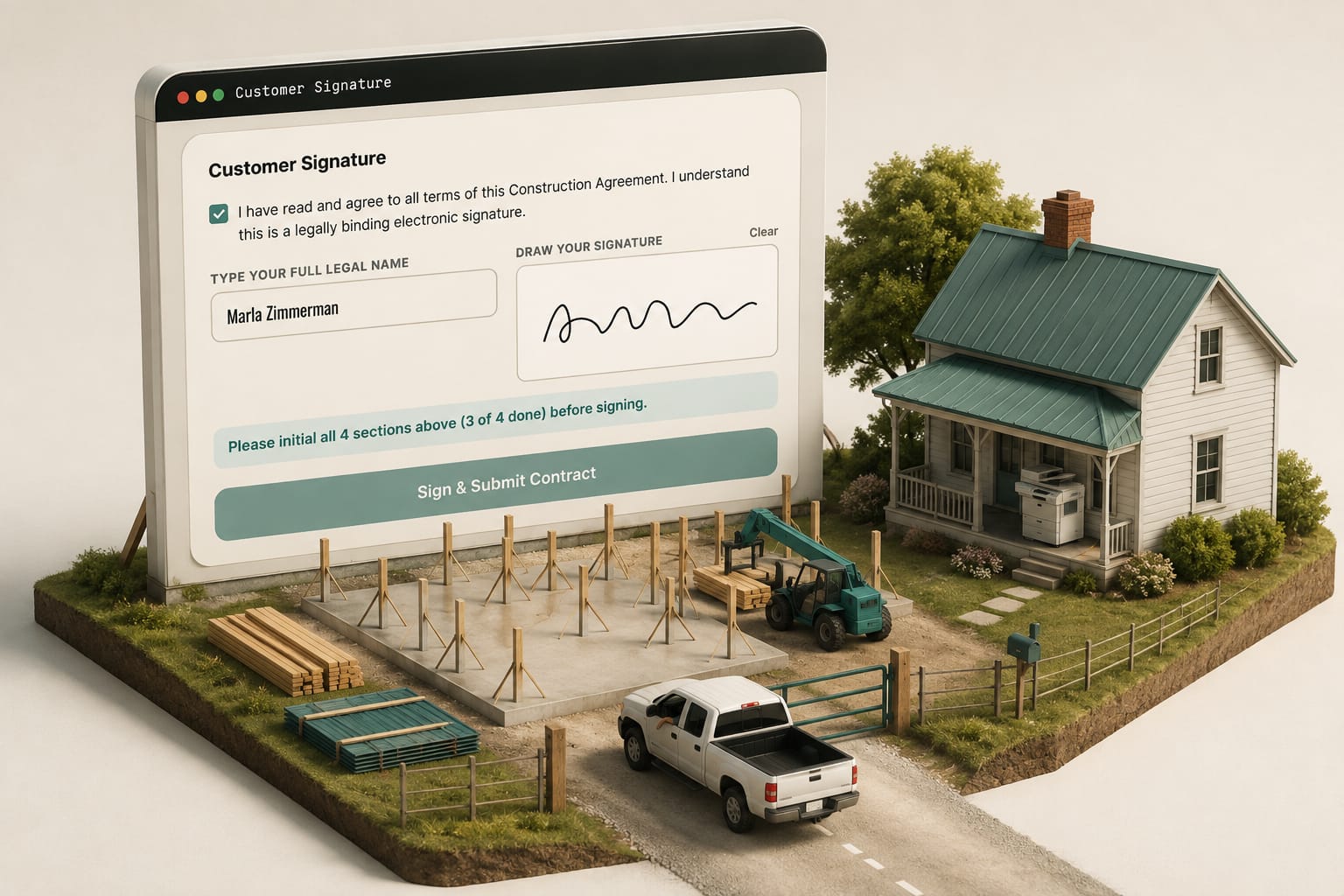
The short answer: A pole barn contract e-signature holds up when the customer clearly meant to sign, agreed to electronic records, signed the exact version they read, and you can produce that record later. Have them sign on the same page as the estimate, from their phone, so the contract never waits on a printer, and keep wet ink for the few documents your state or lender still requires.
An electronic signature on a building contract holds up when four things are true: the signer meant to sign, they consented to electronic records, the signature is tied to the exact version they read, and you can produce that record later. eSign for contractors is not the hard part — the seam between a signing tool and the estimate is, and it is where a contract sits unsigned for nine days because a customer got a PDF on Tuesday and could not find a printer with toner.
What makes an e-signature legal on a construction contract?
Two things govern it in the United States: the federal E-SIGN Act, passed in 2000, and UETA, which nearly every state has adopted in some form. Together they say a contract or signature cannot be denied legal effect just because it is electronic. The conditions are what matter on a job. Intent to sign: a name typed at the bottom of an email is not a signature; a name typed into a field that says "type your full name to accept this contract" is, because the intent sits on the record next to the act. Consent to electronic records: in a consumer transaction the customer agrees to receive records electronically and has to be able to open what you send — a checkbox in plain words and a document that renders on a phone in a truck. Association with the record: the signature is logically linked to the exact version signed; this is the condition home-grown setups fail when the estimate is revised after the PDF went out. Retention: you can produce the signed record later, readable by anyone entitled to it. "It's in my sent folder somewhere" is not retention. None of this is legal advice; states vary, and a handful of document types are carved out of E-SIGN entirely.
The pain is a customer who wants to say yes on Tuesday night and cannot without a printer. The signing page takes a drawn signature on the device already in their hand — no account, no app — and captures the signature image, the timestamp, the IP address and the browser with it, which is the intent-to-sign evidence in one record.
Where does a separate signing tool add a seam?
Dedicated e-signature platforms are good software: they route one envelope through five signers in a fixed order, hold reusable field templates across hundreds of documents, bulk-send, and produce a completion certificate enterprise legal departments recognise. A title company pushing 400 envelopes a week wants exactly that tool. The friction for a builder is the seam. On a 40x60 shop: build the estimate, export a PDF, upload it, drag the signature fields onto page three again because the page break moved when the 12x60 lean-to was added, type the customer's email again because it lives in your CRM, send from a domain that is not yours, and receive a signed PDF that now lives in a third place, unconnected to the estimate that produced it. Then the customer upgrades 29-gauge to 26 and adds two windows on the south wall; the signed PDF is a snapshot, so the change order that should protect your margin becomes a second envelope that may or may not come back. Per-envelope fees are the small cost. The days are the expensive part.
Why should they sign where the estimate already is?
The customer already has your estimate link and already opened it — once at work, once at the kitchen table. The signature belongs at the bottom of that page, and the version problem solves itself when document and signature live in one system: the signature attaches to version 4, not to a PDF that used to be version 4.
The pain in a dispute is never whether they signed; it is what they signed. On the customer's own page they scroll the whole agreement end to end — every clause, the line items, the schedule, the notice — and the document they sign is the document they scrolled through, not a summary and a checkbox.


What does the audit trail have to record?
| Recorded | Why it matters when contested |
|---|---|
| Document version, frozen at signature | Proves the lean-to was or was not in the scope they accepted |
| Typed name and drawn signature | The intent-to-sign evidence |
| Email or phone the link was delivered to | Ties the signer to a channel you controlled |
| Timestamp with time zone | Establishes order against your change-order and deposit records |
| IP address and browser | Corroborates who and where |
| Every view before the signature | Shows the document was open, on those dates, for that long |
| Consent text and checkbox state | The UETA consent condition, captured with the words they saw |
| Your countersignature and its time | Turns a one-sided acceptance into an executed contract |
That last row gets skipped constantly. If your proposal has one signature line, it has one too few. The pain is a countersigned copy of a copy, stapled to a printout of an email. Contracts written from the estimate carry both signatures on one document, each with its own name, date and time, and the customer's IP beneath theirs; their signature raises an alert that you owe a countersignature, and yours moves the status to fully executed. Who on your side even sees the contract to countersign it is set by user roles and permissions, which keep contracts off every field role.
What should the countersignature fire?
Say a 40x60x14 shop at an illustrative $32 a square foot — $76,800 — with a 30% deposit of $23,040. The customer signs at 8:40 on a Tuesday night; you countersign; that one action should mark the contract executed with both timestamps, generate the deposit invoice from the signed line items rather than retyping them, send it to the same customer on the same link with a pay button, and create the project so the material order is released against a contract you can prove exists. Retyping is where the money leaks: a deposit keyed by hand can go out at $2,304 instead of $23,040 and nobody catches it for a month. The invoice that actually gets paid is built from the signed document, not beside it.
The pain is an estimate that keeps moving after the signature. The signature freezes a figure: if the estimate later totals more, invoicing bills the signed amount and says so, naming both numbers and the difference, and an extra agreed after that gets its own numbered change order instead of reopening the agreement.
The whole path — quote, details, agreement, then the live job on the same link — is the live estimate system. Whether that shape fits you is a separate question; most post-frame contracts have two parties and one signer on each side, which is why the simple path is worth building first.
Signing is simplest when the contract sits on the same record as everything before it; in a construction CRM built exclusively for post-frame and barndominium builders, the building, the quote, the contract and the customer's link are one record.
What the research says
- Small hassles stop people doing what they already mean to do. In the H&R Block FAFSA experiment, families who got help filling in the aid form on the spot were far more likely to file it, and their high-school seniors were 8 percentage points more likely to complete two years of college (28% to 36%). Information alone, without the help, changed nothing. A printer with no toner is that kind of hassle standing between a customer and a signed pole barn contract.
- A clear "when" turns intent into action. Gollwitzer's research on implementation intentions found that plans tying a specific situation to a specific action ("when X happens, I will do Y") help people follow through where good intentions stall. "Sign it here, now, while we're looking at it" is that kind of plan; "sign it when you get a chance" is not.
- The signed version is the one the law reads. New York, for example, requires home improvement contracts and any amendments to be written and signed, with the work, materials, schedule, progress payments and a three-day cancellation notice. Whether a statute like this covers a detached pole barn or a new barndo varies by state, but an e-signature tied to the exact version is how you prove which terms were agreed.
- Undocumented deals lose. A construction law article describes two 2022 cases where undocumented deals left a party with no recovery, and warns that contractors relying on verbal payment promises miss lien deadlines. A signature captured the day the estimate is accepted closes that gap.
Where does e-signing stop working?
Notarisation is not solved by a signature field: a lien waiver or affidavit that needs a notary needs a commissioned notary, and remote online notarisation is a specific process with identity proofing, not a checkbox. Permit packages: plenty of building departments still want an original signature or a paper set — ask yours before you promise a paperless job; the NFBA is a starting point on post-frame practice, but your county is the only authority on your county. Lender draws run through the bank's portal in the bank's format. E-SIGN excludes wills, codicils, testamentary trusts and certain notices outright. Some commercial counterparties require a named signing vendor's certificate; when they do, use theirs. And multi-party signing in a fixed order — three siblings on a farm, an operations manager before a controller — is what the dedicated platforms are built for. If your contracts are shaped that way, keep the tool you have.